Edit your photos with AI Image Editor
Upload an image and describe the change. Our AI image editor generates high-quality edits in seconds — no download, no Photoshop.
- ✓Image-to-image edits powered by Nano Banana models.
- ✓Fast results: enhance, retouch, remove backgrounds, and more.
- ✓Use multiple reference images (model-dependent) for better control.
Tip: start with a clear, front-facing photo for the best AI edits.

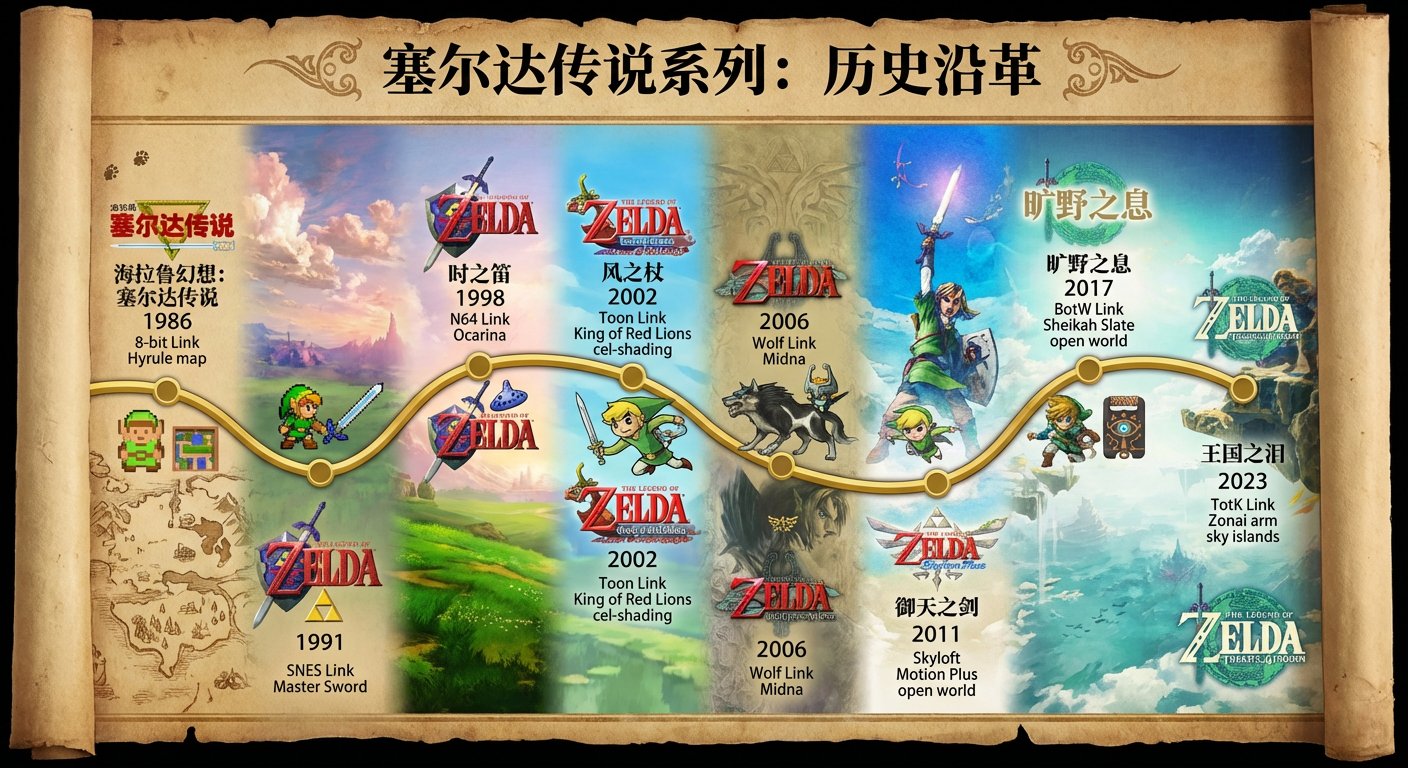
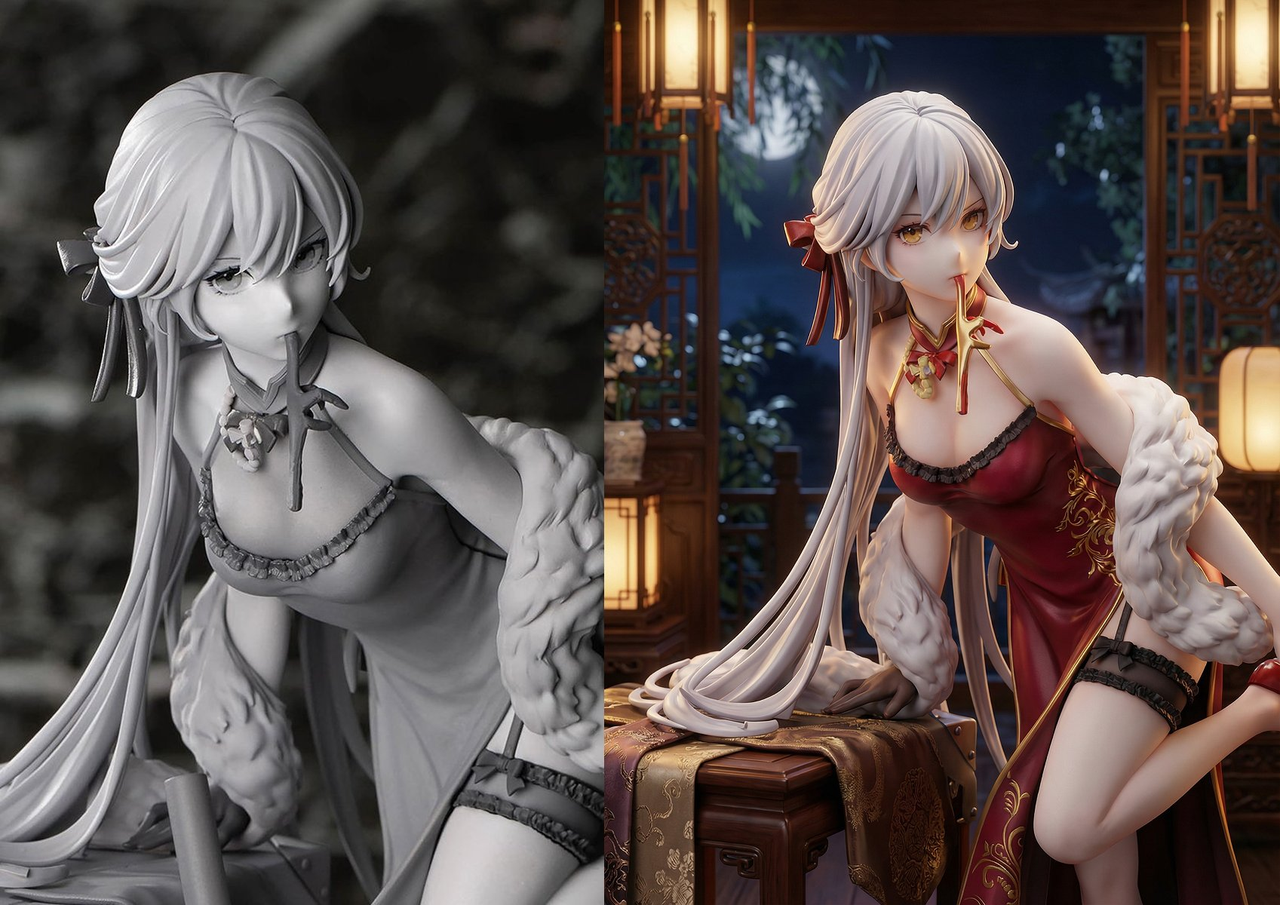
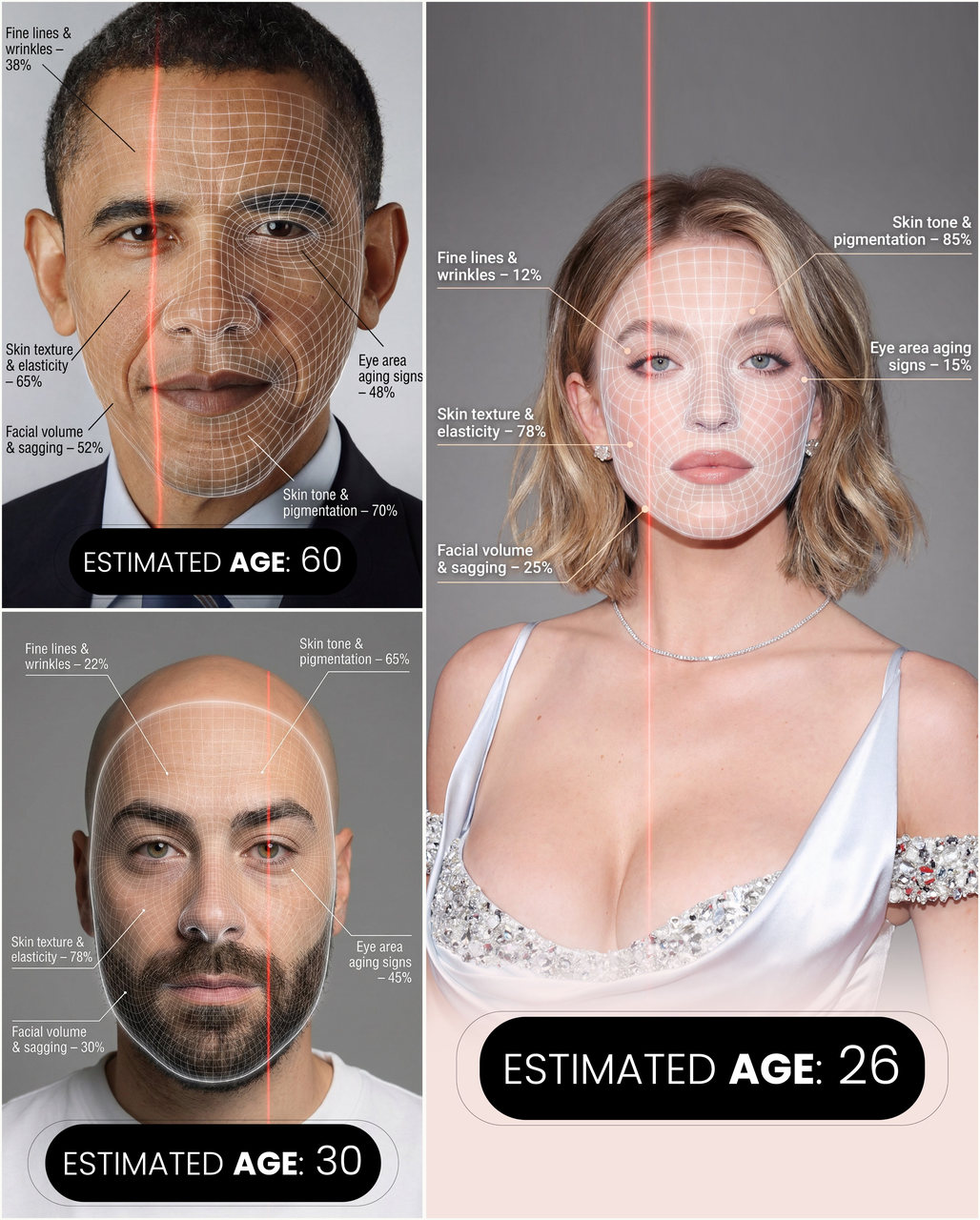
Edit photos with AI in seconds
Upload your photo, describe your edit, and let Nano Banana generate an updated image you can download instantly.
This page uses image-to-image mode (upload required).
Popular AI photo editing presets
Pick a preset prompt to guide your AI image editor, then customize it to fit your photo.
Enhance & sharpen
Improve clarity, reduce noise, and keep natural details for a clean, realistic look.
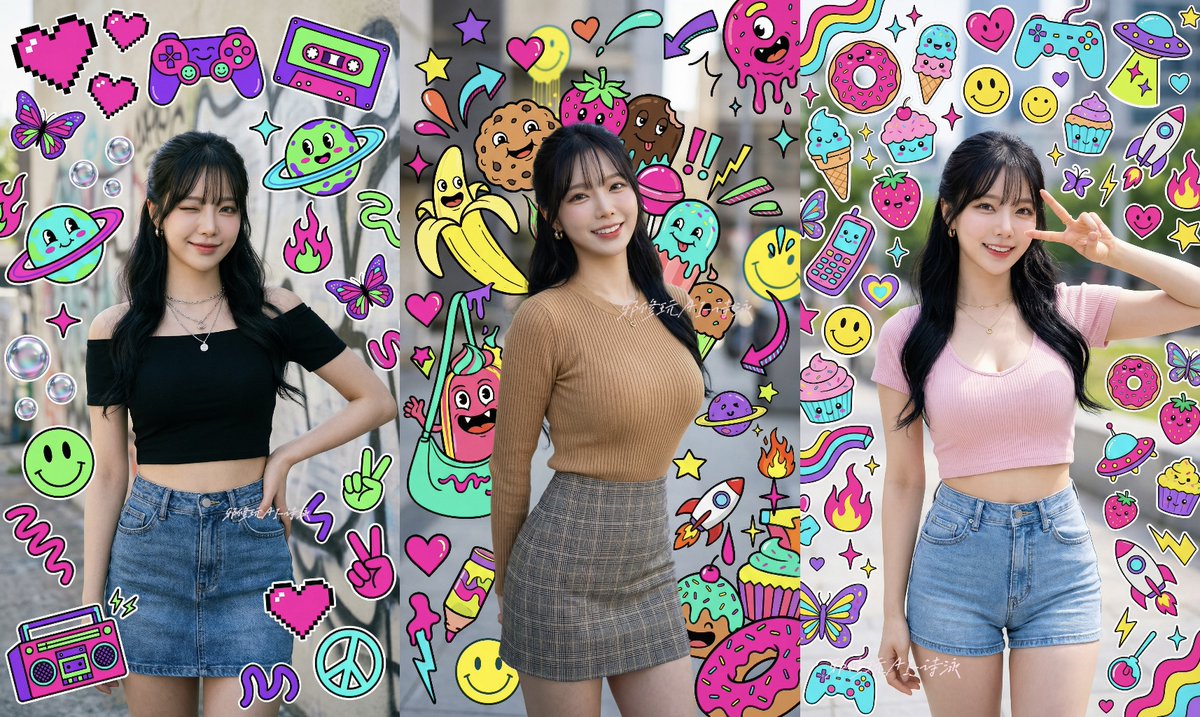
Background removal
Remove the background cleanly and replace it with a simple studio backdrop or solid color.
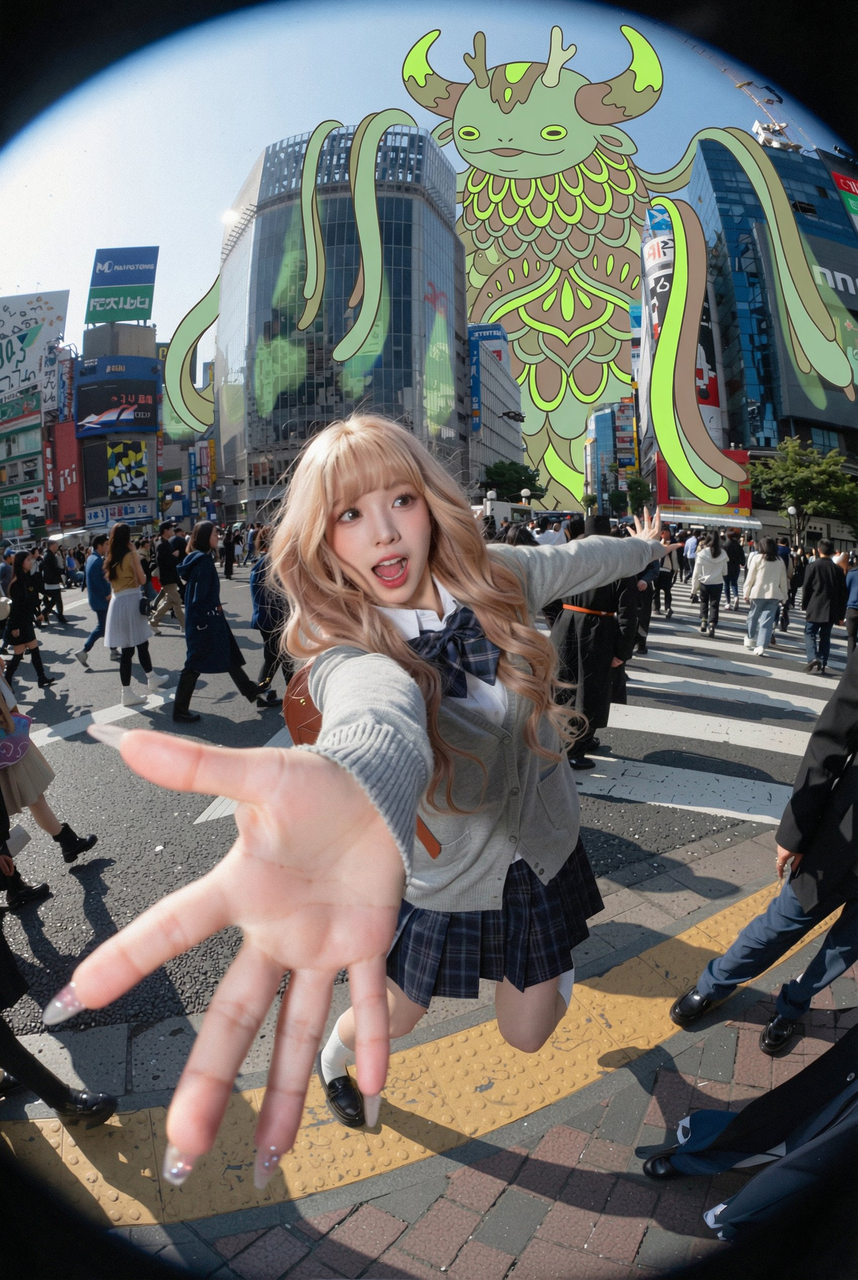
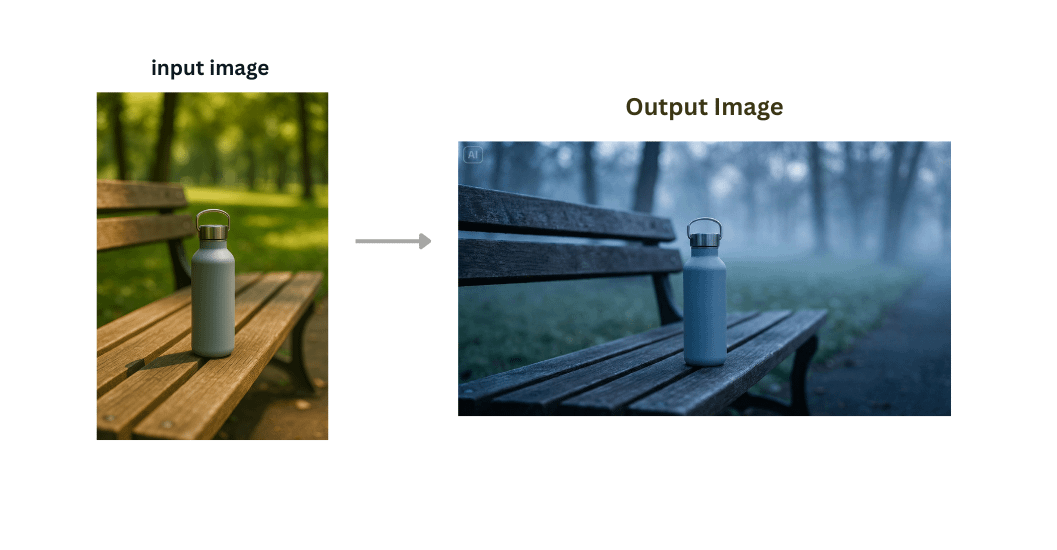
Cinematic style
Apply cinematic lighting and color grading while keeping the subject identity consistent.
How AI image editing works
Nano Banana models take your photo + prompt and generate a new edited image. You can iterate quickly to refine the result.
- 1
Upload your photo
Start with a clear image. Better input means better AI edits.
- 2
Describe the edit
Tell the AI what to change and what to keep (identity, style, background, lighting).
- 3
Generate & download
Get your edited image in seconds, then download or refine with another prompt.
What you can edit with an AI photo editor
Common workflows for image-to-image editing.
Photo enhancement
Improve clarity, lighting, and color while keeping a natural look.
Retouch & cleanup
Remove blemishes, reduce noise, and tidy distracting elements.
Background removal
Replace backgrounds for profiles, e-commerce, and marketing.
Style transfer
Apply cinematic, anime, or illustration styles with better consistency.
Prompt examples you can copy
Copy an example prompt, upload your own photo, and generate an AI edit. Use these as starting points.
Prompt
Enhance this photo: reduce noise, increase clarity, keep natural skin texture, preserve identity, realistic lighting.
Prompt
Remove the background and replace it with a clean studio white background. Keep the subject sharp and realistic.
Prompt
Make this photo look cinematic: soft rim light, moody color grading, shallow depth of field, preserve identity and composition.
AI Image Editor examples & gallery
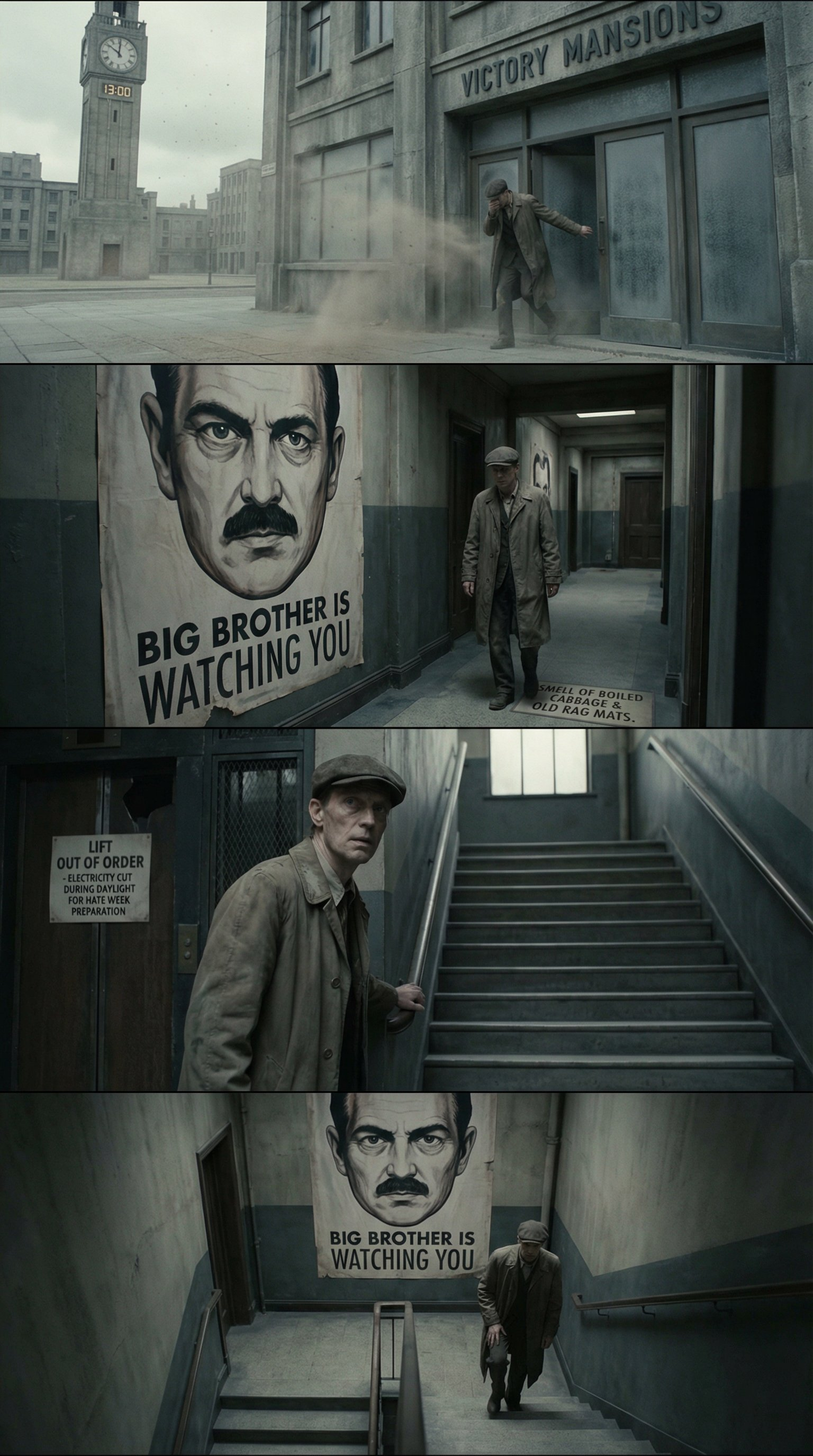
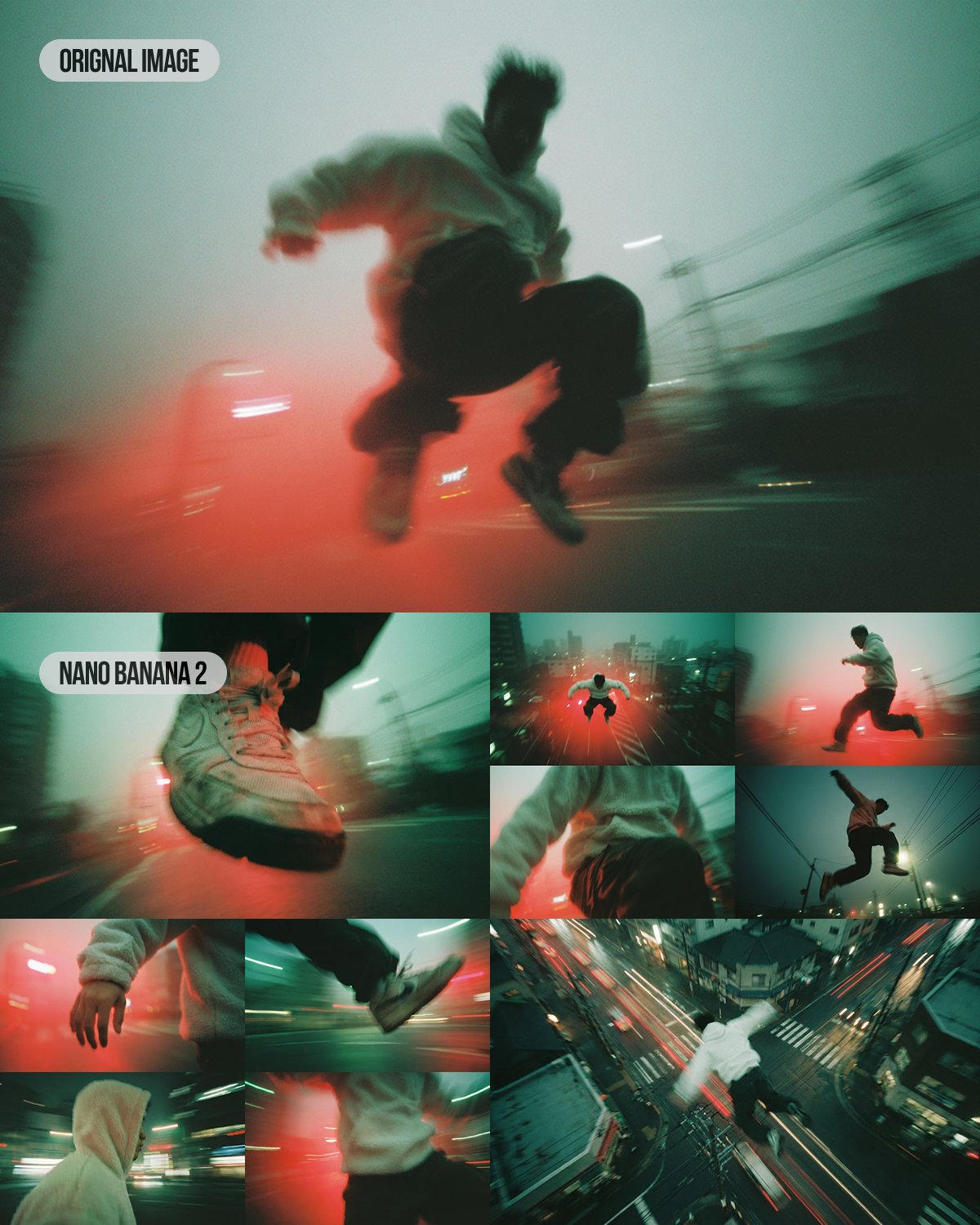
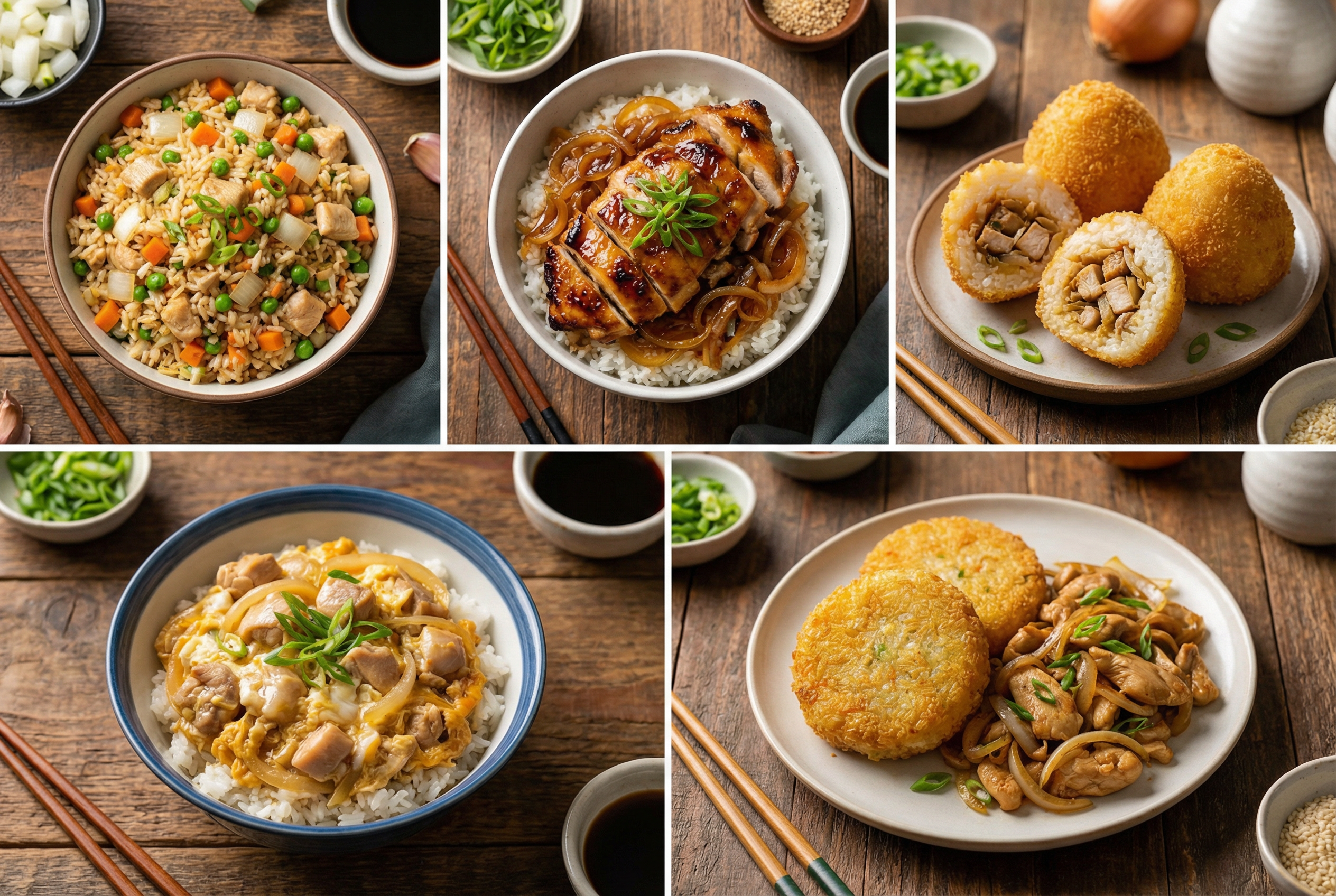
Explore inspiration images created with Nano Banana models on nanopics. Upload your own photo to try similar edits.
Plans for creators, teams, and studios
Start in minutes with flexible credits. Upgrade when you need more seats or automation lanes.
Experience
Experience the use of the product
- 100 credits/lifetime
- Image generation: 20 images Nano Banana Model or 5–10 images Nano Banana Pro Model
- Full access to all style templates
- Basic support services
- Standard processing speed
- Points never expire.
- Download outputs in JPG or PNG format
basic
Perfect for individuals and light users
- 600 credits/lifetime
- Image generation: 120 images Nano Banana Model or 30–60 images Nano Banana Pro Model
- Full access to all style templates
- Basic support services
- Standard processing speed
- Points never expire.
- Download outputs in JPG or PNG format
Pro
For professional creators and teams
- 1200 credits/lifetime
- Image generation: 240 images Nano Banana Model or 60–120 images Nano Banana Pro Model
- Full access to all style templates
- Basic support services
- Standard processing speed
- Points never expire.
- Download outputs in JPG or PNG format
Max
Designed for large enterprises and professional studios
- 2000 credits/lifetime
- Image generation: 400 images Nano Banana Model or 100–200 images Nano Banana Pro Model
- Full access to all style templates
- Basic support services
- Standard processing speed
- Points never expire.
- Download outputs in JPG or PNG format
AI Image Editor FAQ
Common questions about AI image editing, privacy, and usage.
Start editing with AI Image Editor
Upload a photo, describe your edit, and generate multiple variations in seconds.
Image-to-image editing for fast, realistic results.
Try Nano Banana, upgrade any time for more credits.
Ready to edit with AI?
Upload your photo and generate a clean AI edit in seconds.
Upload required — image-to-image editing