Image generator
Uses Nano Banana Pro image generation model.
Sign in required
You can browse scenarios, but generation requires signing in. Sign In
Scenarios
Empty prompt — start from scratch.
Tip: tweak the template to match your needs.
Supports PNG/JPG. Image-to-image mode requires at least one image.
Aspect ratio
Image quality
Generated image
Preview the output and download directly.

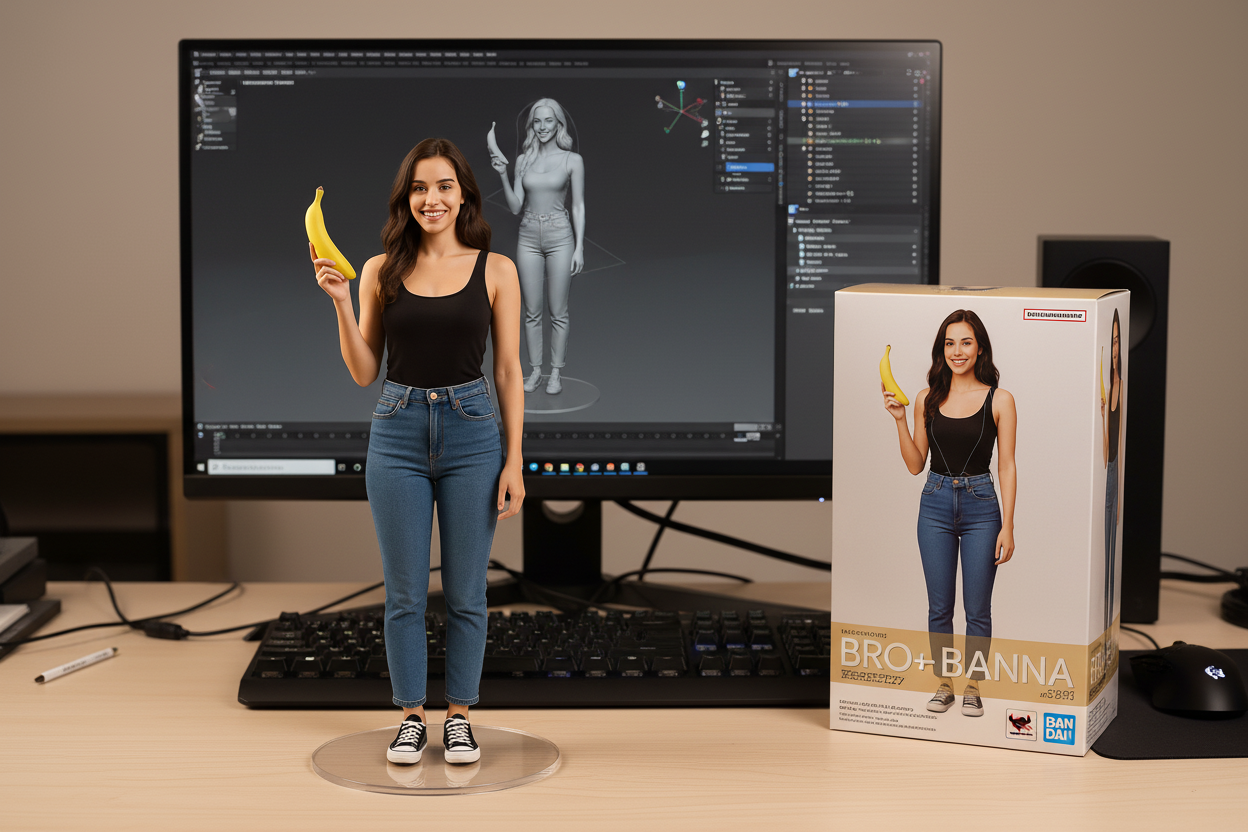
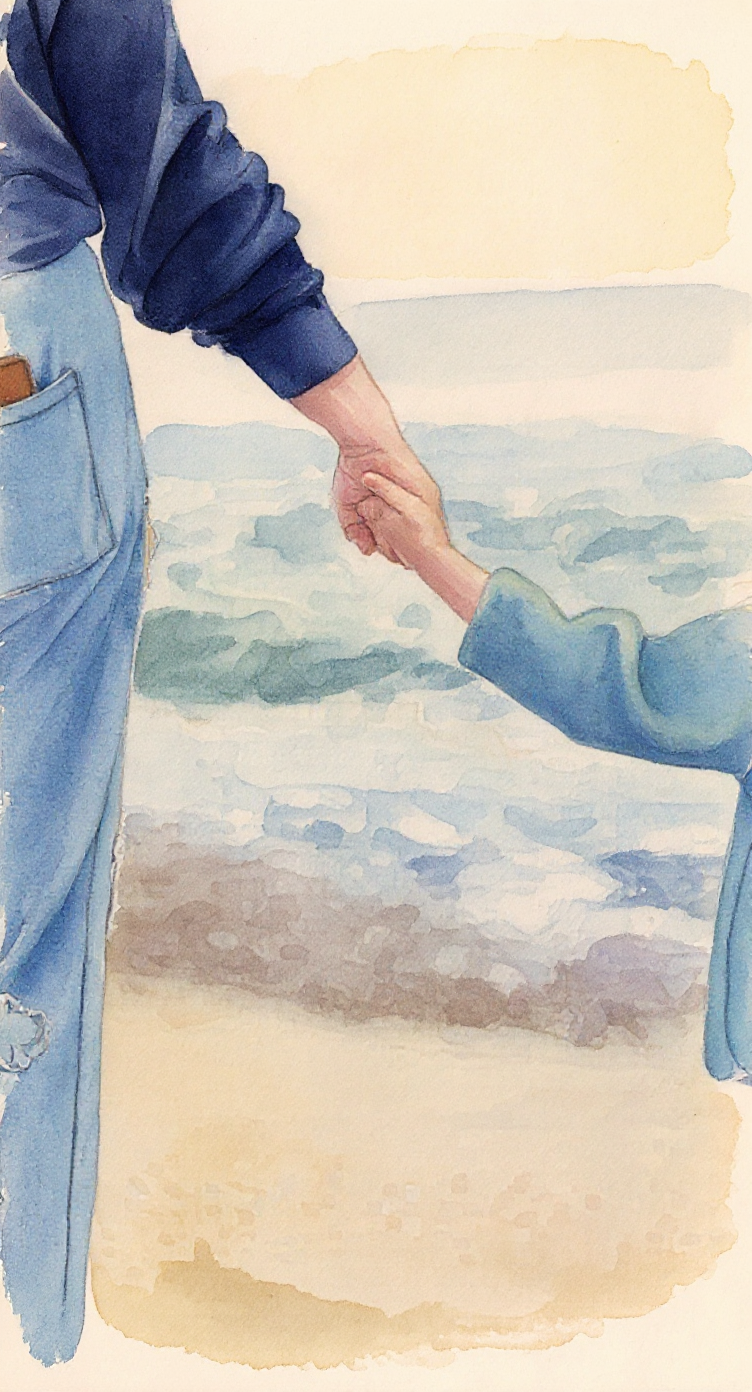
Nano Banana Pro Image-to-Image Studio
Upload an image, describe edits or styles, and generate variations in seconds. Start with a scenario template and tweak the prompt.
- Scenario templates for common edits: style transfer, background cleanup, product shots.
- Reference-image editing designed to preserve subject identity and composition.
- Aspect ratio, quality, and multi-image inputs (model-dependent) for more control.
Prompt examples you can copy
Copy an example prompt, upload an image, and generate an edit. Use these as starting points.
Prompt
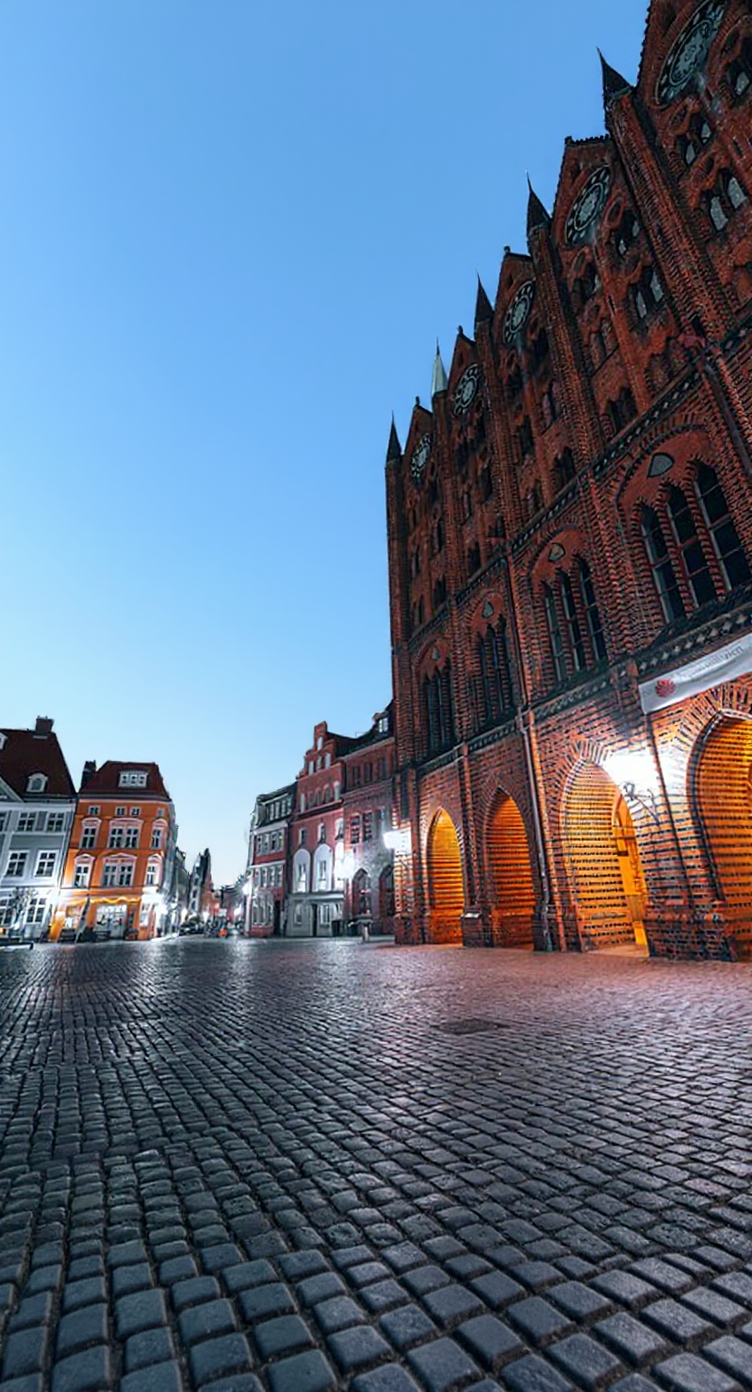
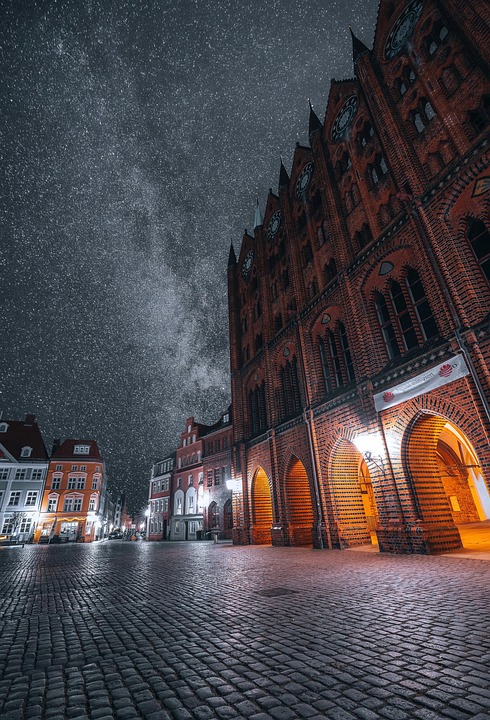
Change the scene from night to early morning/daytime blue sky. Keep the buildings, street, composition, and perspective unchanged, preserving the red-brick details and arcade lighting texture. Remove the stars and Milky Way, replace with a clear cloudless blue sky. Brighten overall but keep it natural and realistic.
Prompt
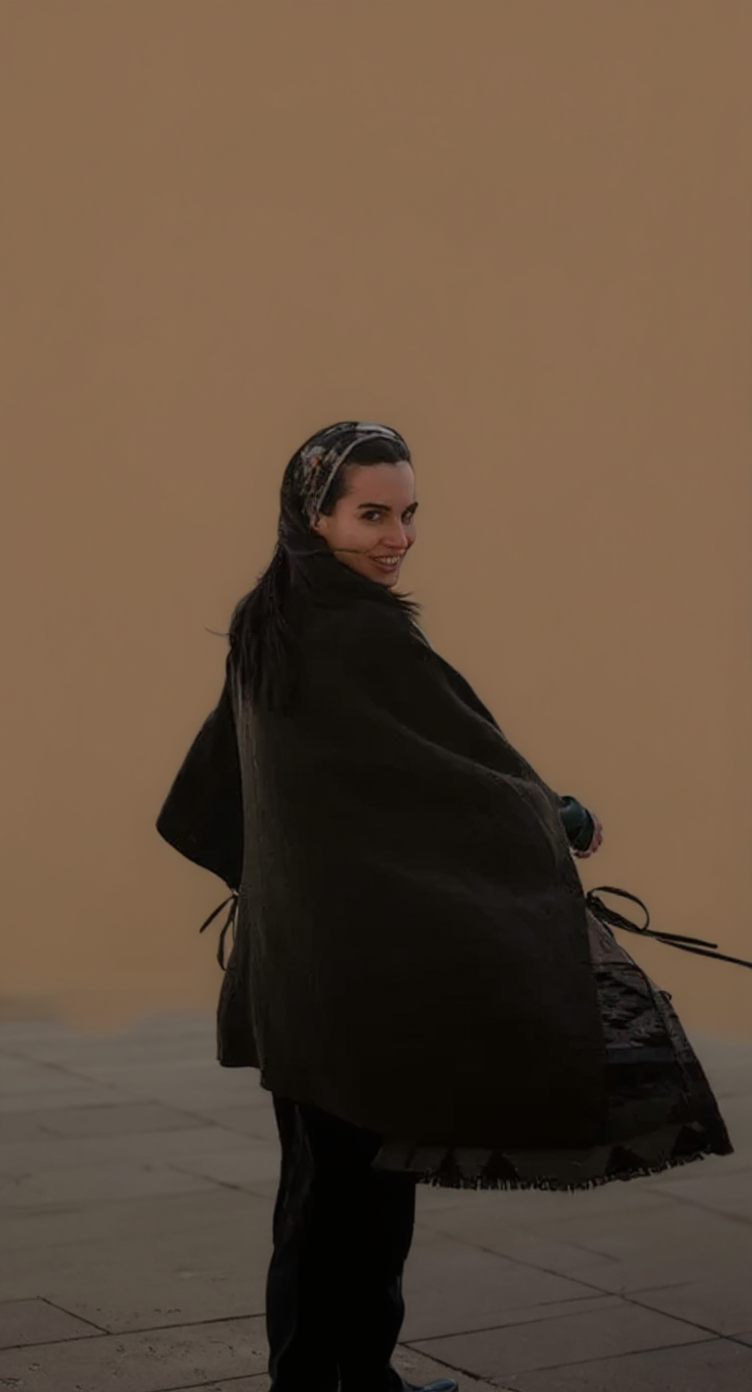
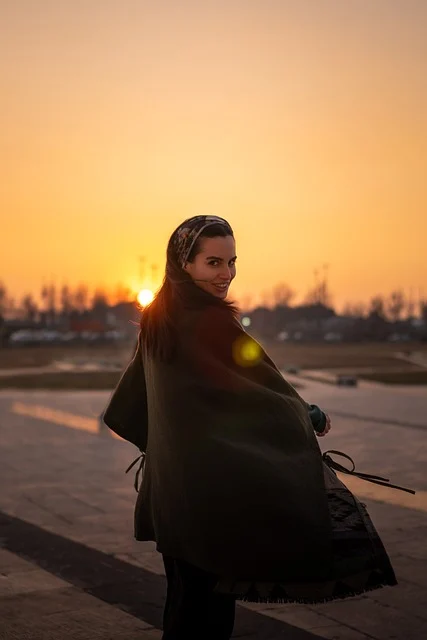
Keep the subject?s pose and outfit details unchanged, remove the environment, and replace it with a clean solid warm-brown background. Edges should be clean and natural; keep soft, realistic lighting and make the subject stand out clearly.
Prompt
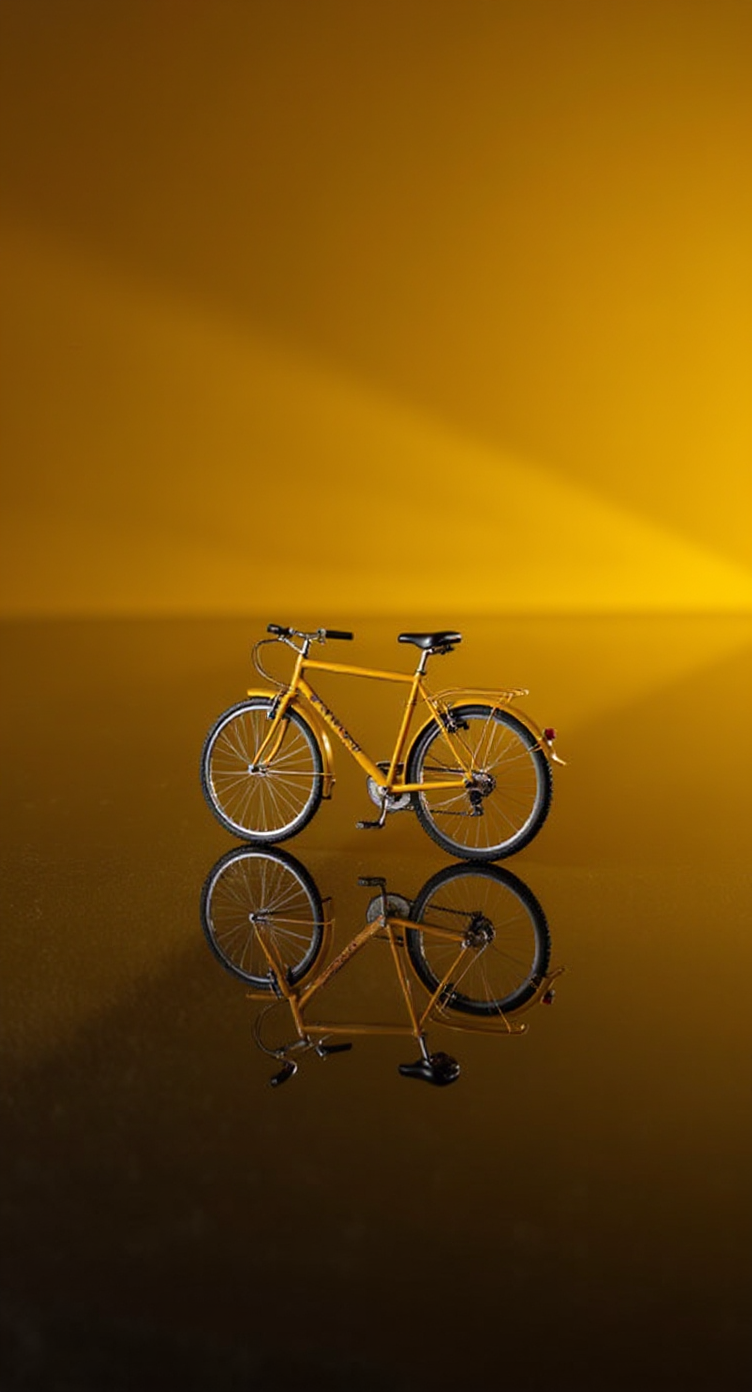
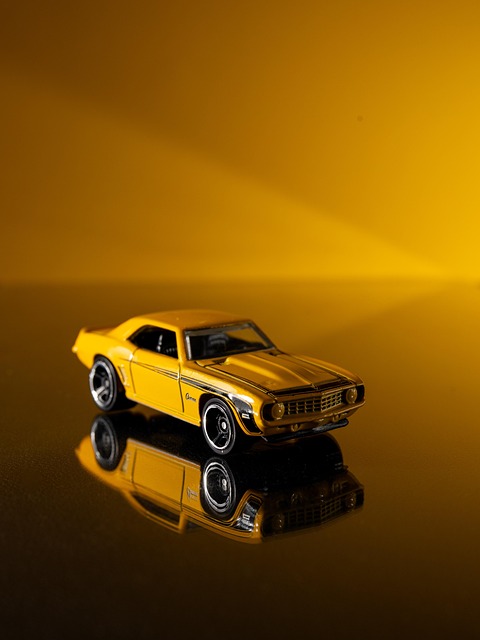
Turn the car into an engineering exploded view: keep the original angle and position, separate the body panels, chassis, engine, wheels, interior, and wiring into layered floating parts with a clear, orderly structure. Preserve realistic materials and lighting; the street background can be slightly blurred but should stay the same scene.
Why use Nano Banana Pro for image-to-image
A template-first workflow for fast, controllable edits in the browser.
Template-first prompts
Pick a scenario preset, then tweak the prompt to match your image and goal.
Real edits from a reference image
Upload a photo and ask for changes while keeping the original subject and layout.
More control when you need it
Choose aspect ratio and quality; some models support multiple reference images for better consistency.
How image-to-image generation works
Upload your image, guide the edit with a prompt, then iterate until it looks right.
- 1
Upload an image
Use a clear, well-lit photo for the most stable results.
- 2
Choose a scenario template
Start from a proven prompt, then adjust details like style, background, and lighting.
- 3
Generate & download
Get a new version in seconds. Refine with another prompt if needed.
Popular image-to-image use cases
Common ways creators and teams use Nano Banana Pro edits.
Background cleanup
Remove clutter and replace with clean studio backdrops or solid colors.
Product photo refresh
Make e-commerce images cleaner, brighter, and more consistent.
Portrait retouch & style
Enhance lighting and apply styles while keeping identity recognizable.
Style transfer
Turn photos into cinematic, anime, or illustration looks with better consistency.
Image-to-Image Studio FAQ
Quick answers about uploads, credits, and results.
Do I need to upload an image?▾
Yes. Image-to-image mode requires at least one reference image.
What file types are supported?▾
PNG, JPG, and WEBP are supported for uploads.
Are uploads private?▾
Uploads are sent to our storage to process your request and deliver results. Avoid sensitive images. Generated outputs may appear in your generation history.
Does generation cost credits?▾
Yes. Each generation consumes credits. You can browse templates without signing in, but generating requires an account.
Can I use the results commercially?▾
Commercial usage depends on nanopics terms and the model policy. Please review the latest terms before using outputs in commercial projects.
How do I get better results?▾
Be specific: state what to keep (identity, composition) and what to change (background, lighting, style). Clear inputs usually work best.
Example outputs
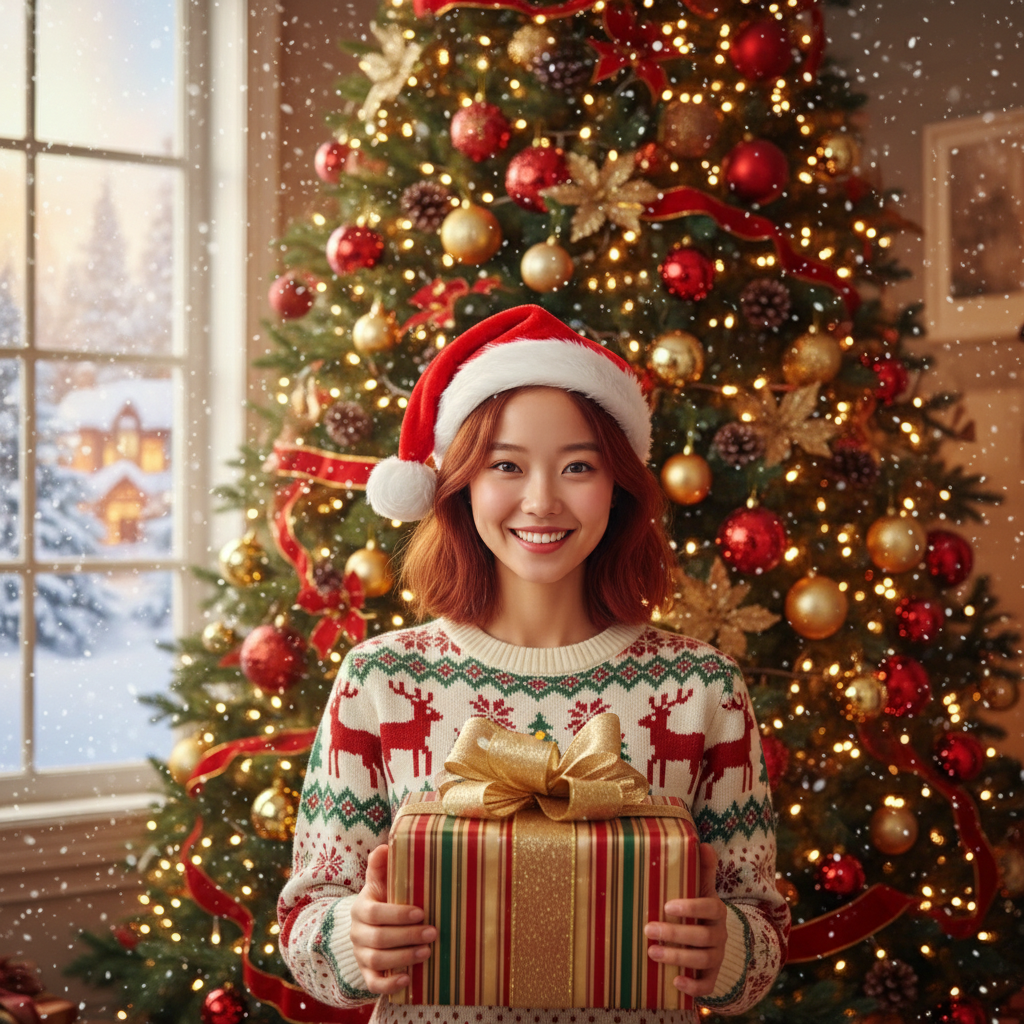
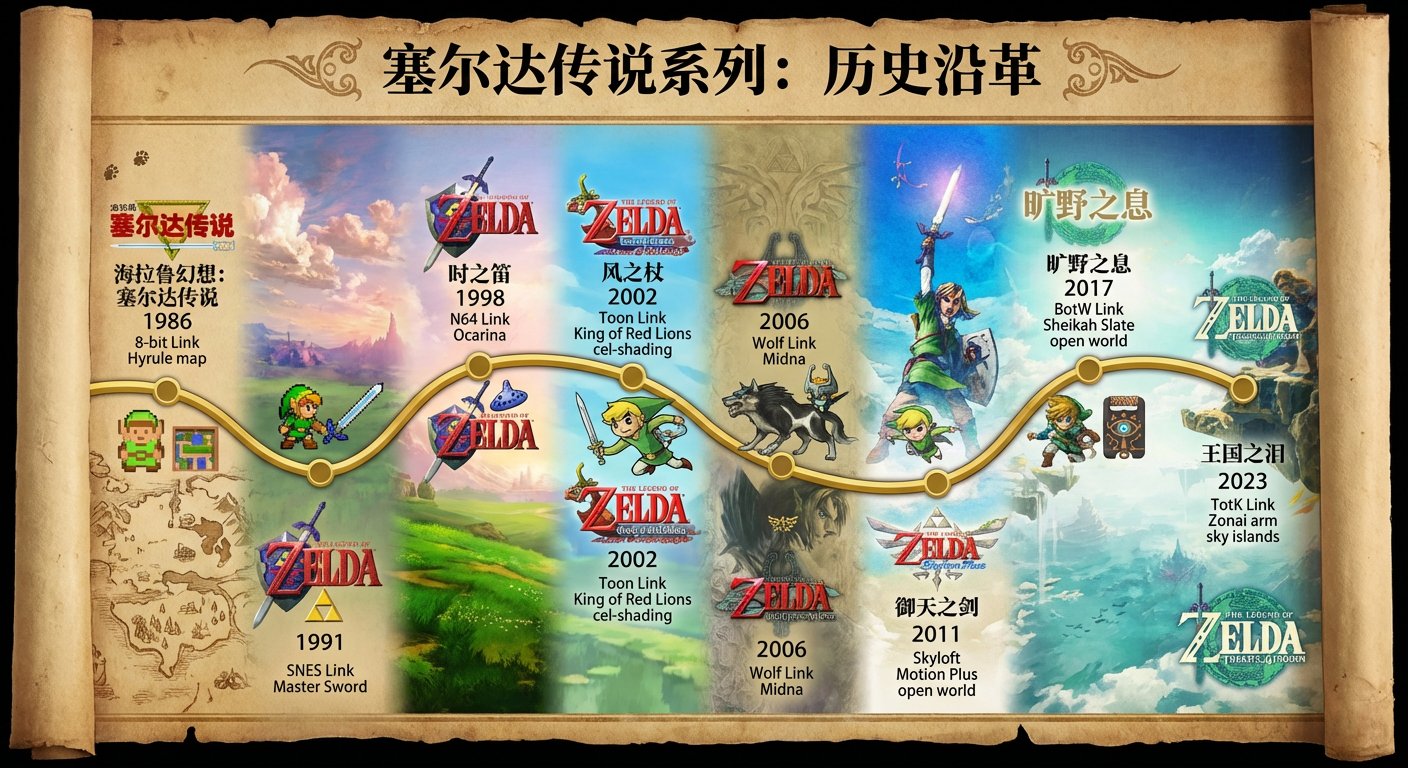
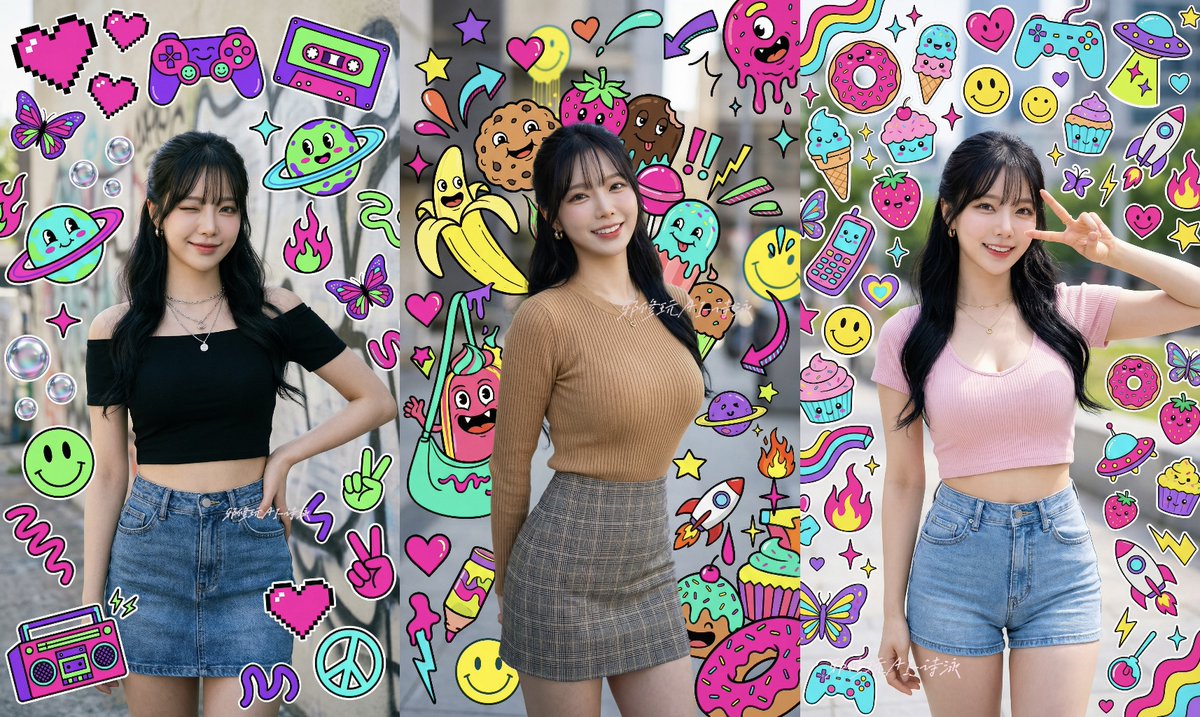
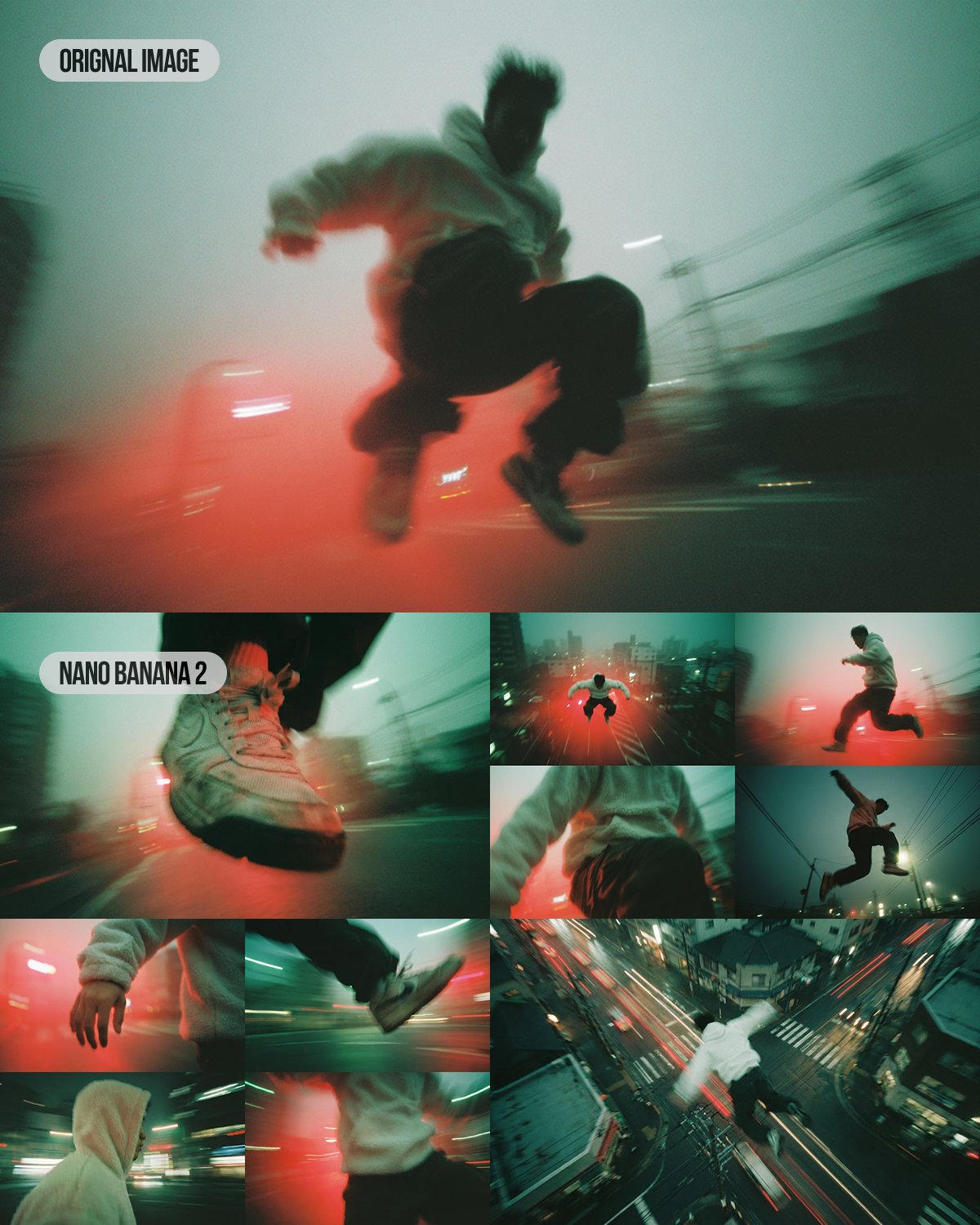
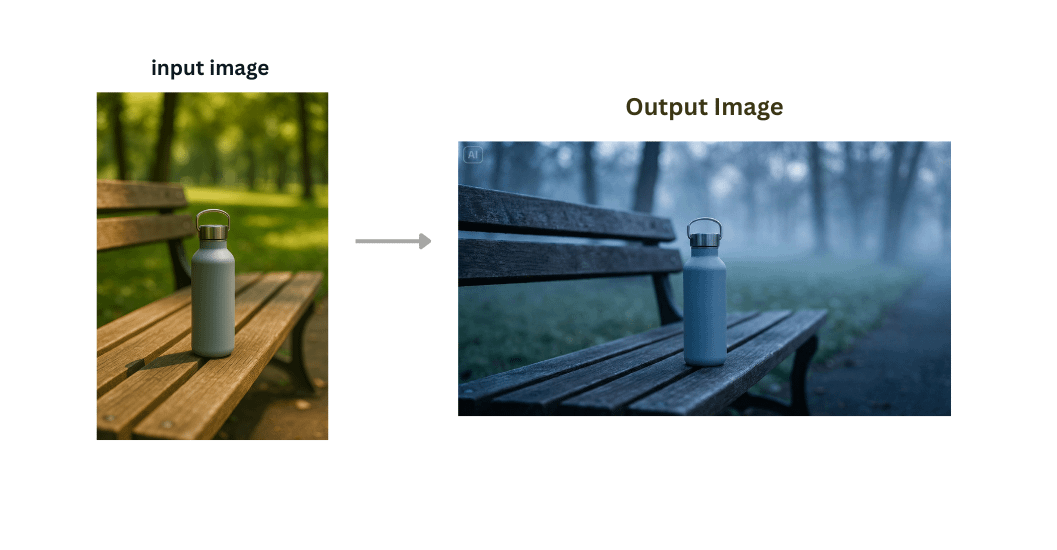
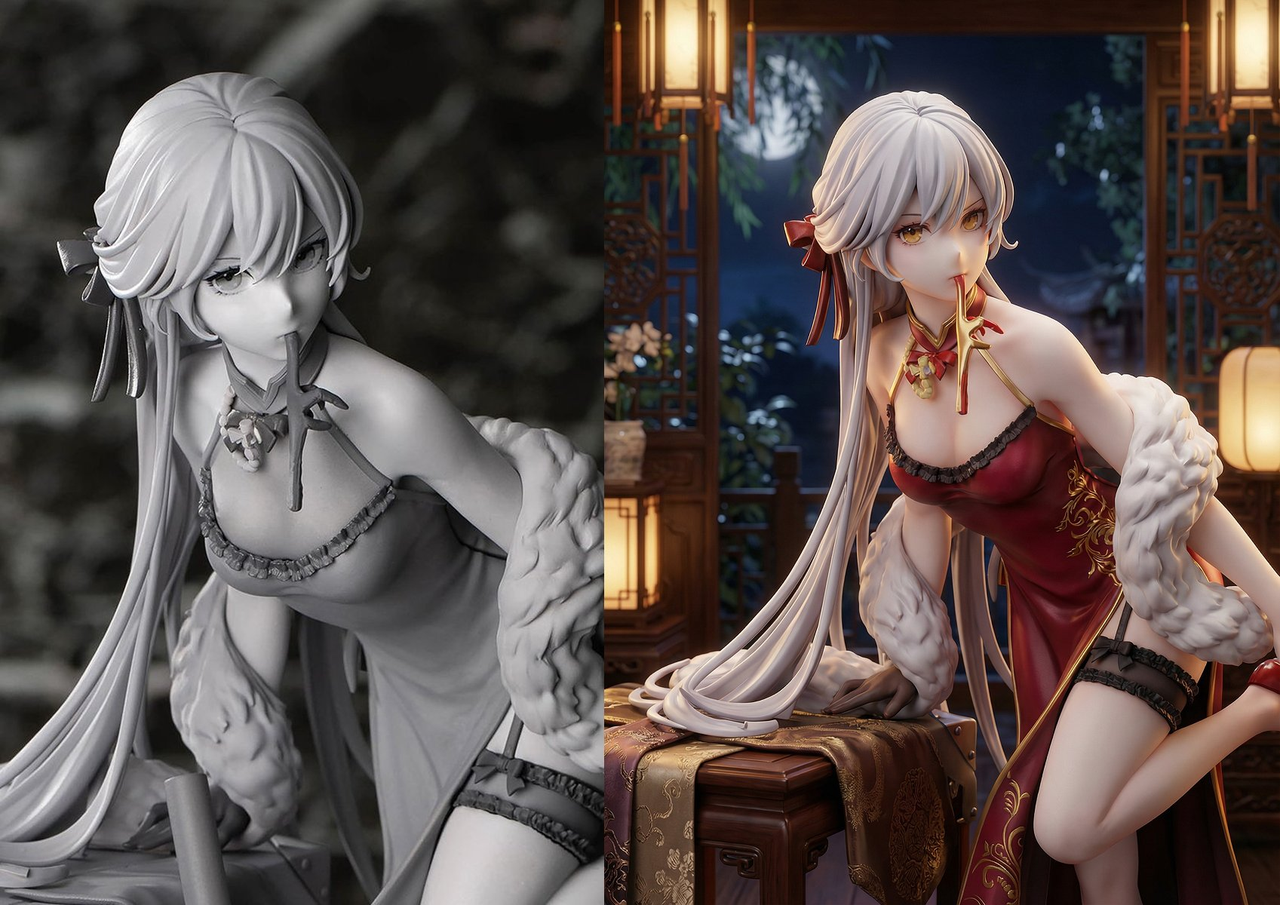
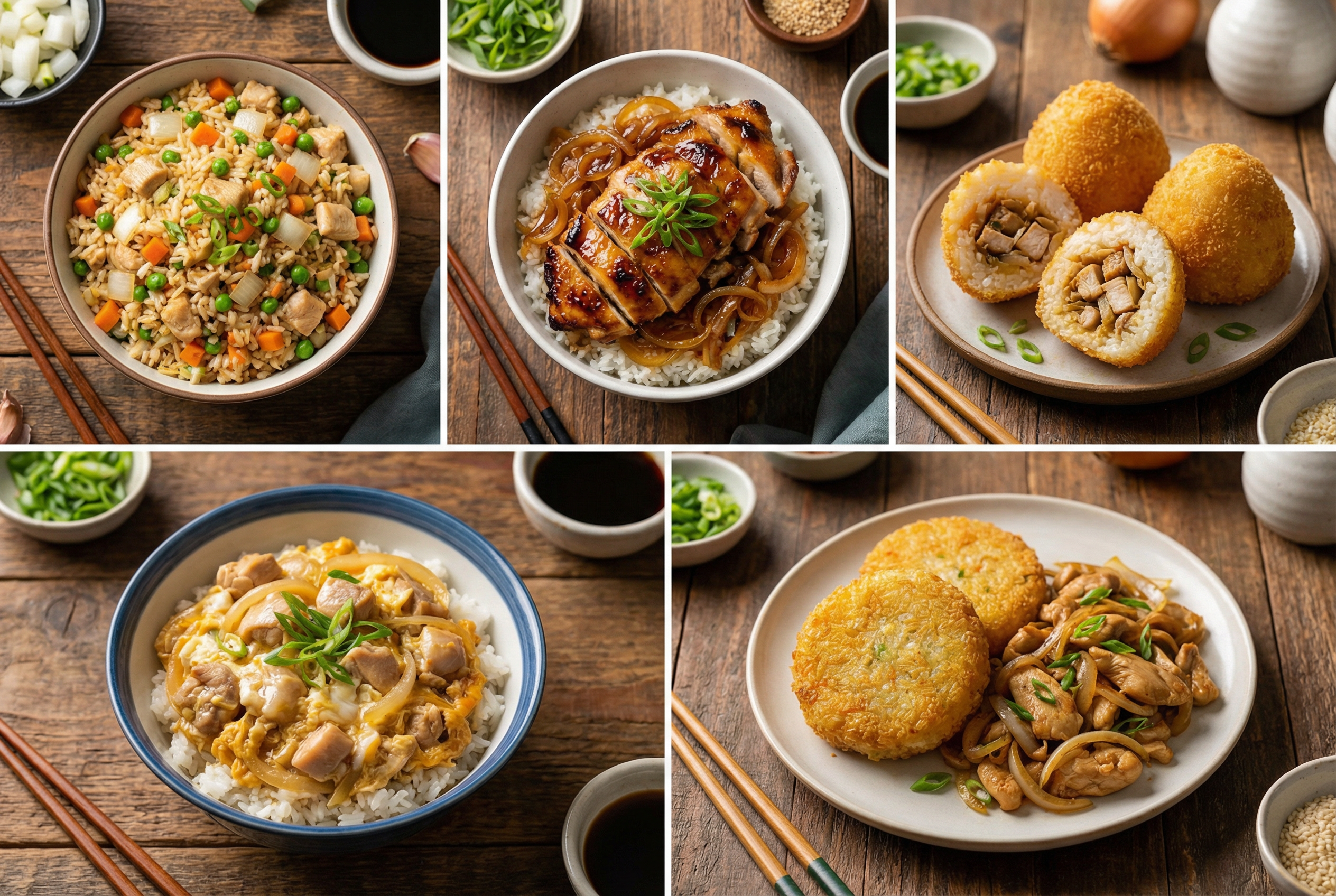
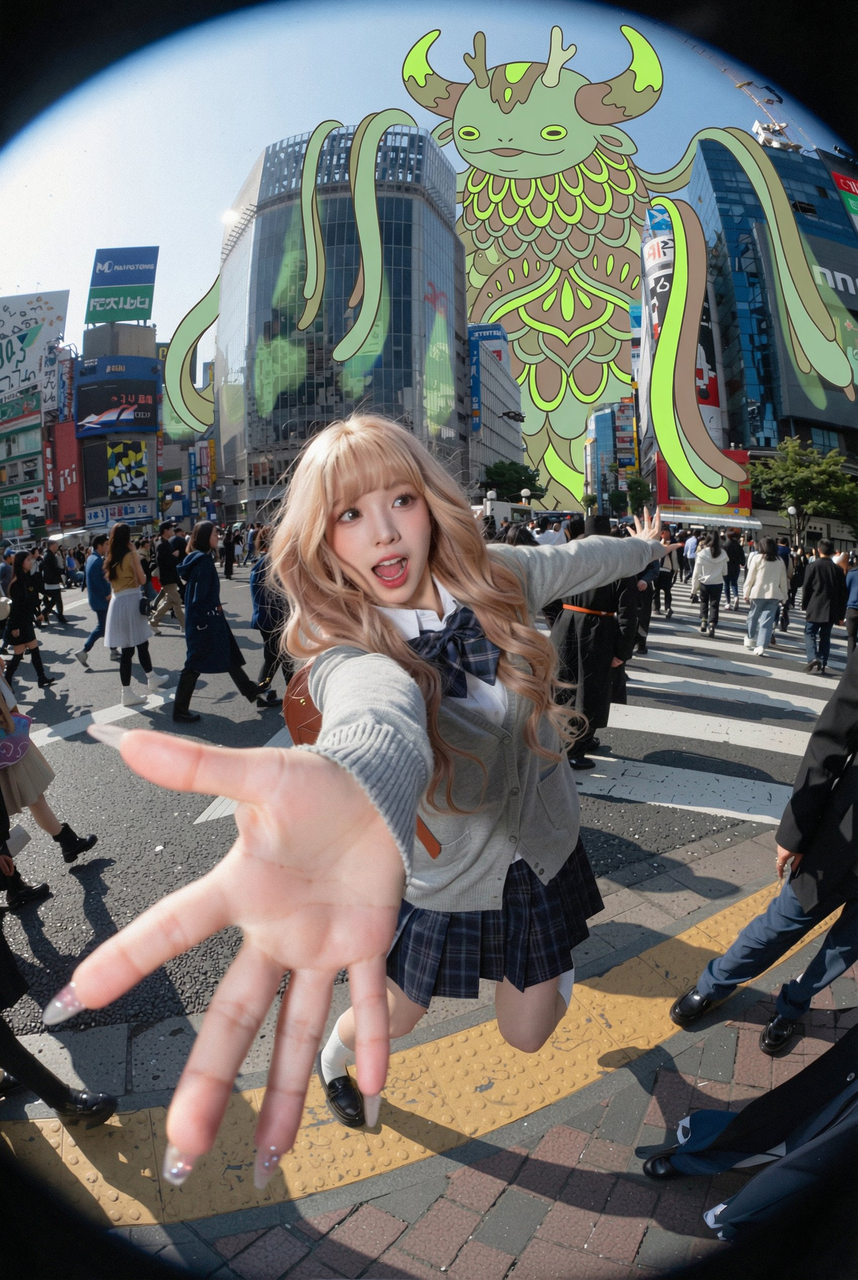
Browse real example images created with Nano Banana models. Click any image to view it larger.

Ready to edit an image with Nano Banana Pro?
Upload a photo and generate clean variations in seconds.