Image generator
Uses Nano Banana Pro image generation model.
Sign in required
You can browse scenarios, but generation requires signing in. Sign In
Scenarios
Clean studio product photo for ecommerce.
Tip: tweak the template to match your needs.
Add style, lighting, camera, material, mood, and subject details for best results.
Aspect ratio
Image quality
Generated image
Preview the output and download directly.

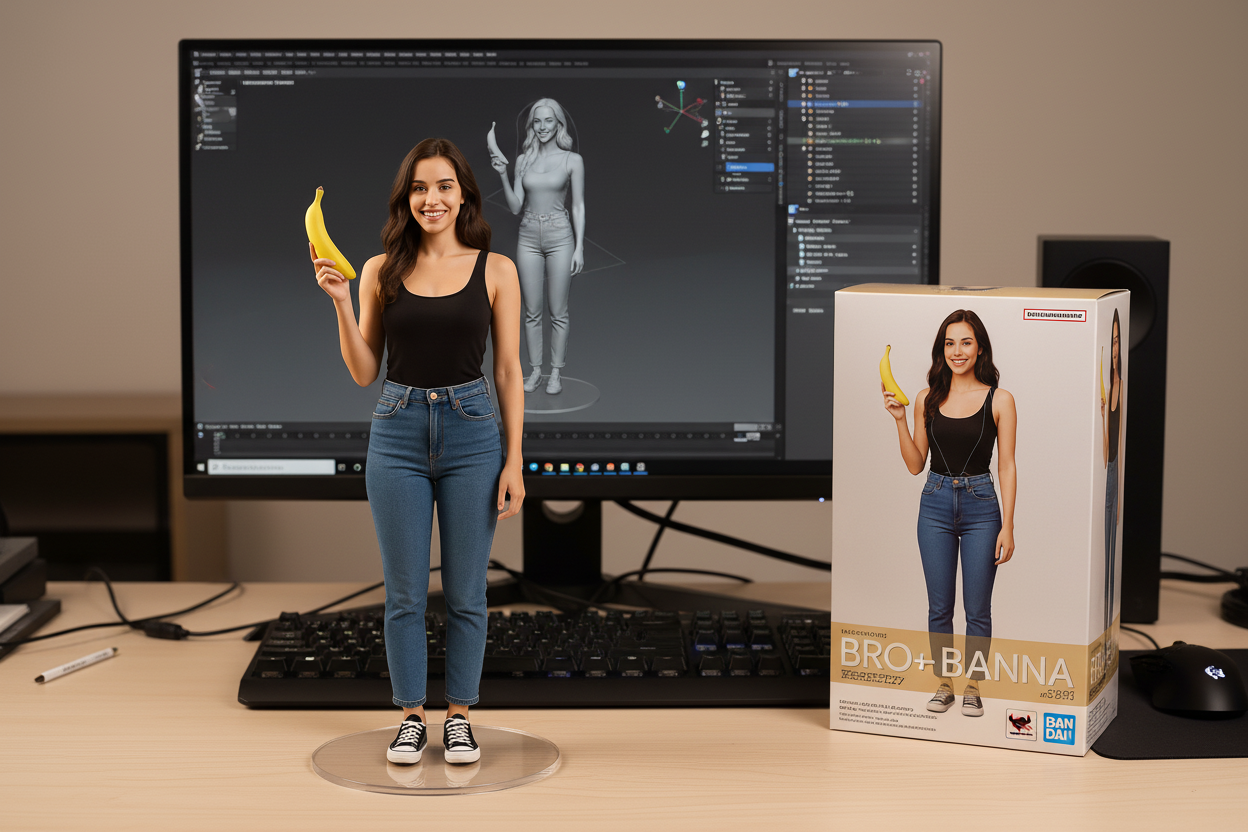
Text to Image
Generate images from text prompts. Select a scenario to preload a template.
- Template prompts for posters, product shots, headshots, and UI mockups.
- Pick aspect ratios and quality levels to match social, print, or web layouts.
- Strong text rendering and style control with Nano Banana Pro.
Prompt examples you can copy
Use these text-to-image prompts as starting points for posters, product photos, and headshots.
Product shot
Clean studio product photo for ecommerce.
Prompt
Studio product photo of [PRODUCT], clean seamless background, softbox lighting, ultra sharp, high detail, 4k, realistic, centered composition.
Poster with readable text
Typography-first poster, good for testing text rendering.
Prompt
Design a modern poster in vertical format. The poster must include the exact readable text: "NANO PICS" and "AI STUDIO". Minimal layout, strong typography, high contrast, clean margins.
Professional headshot
Realistic portrait / avatar style headshot.
Prompt
Professional headshot photo of [PERSON], natural skin texture, soft daylight, shallow depth of field, 85mm lens look, clean background, realistic.
Landing page mockup
Generate a modern SaaS landing page UI mockup.
Prompt
Minimal SaaS landing page mockup screenshot, modern UI, clean spacing, hero section, feature cards, pricing table, subtle gradients, realistic product UI, high quality.
Why use Nano Banana Pro for text-to-image
Template-first workflows for faster, more consistent generations.
Template-first prompts
Start with proven scenarios and tweak details for faster iterations.
High-resolution control
Choose common aspect ratios and export-ready quality for 1K–4K outputs.
Clear text inside images
Design posters, menus, and UI mockups with sharper in-image typography.
How text-to-image generation works
Pick a template, customize the prompt, then generate and iterate.
- 1
Choose a scenario template
Pick a preset that matches your goal, like product shots or posters.
- 2
Customize the prompt
Adjust style, lighting, composition, and exact text when needed.
- 3
Generate & refine
Preview results, download, or iterate with another prompt.
Popular text-to-image use cases
Common outputs teams create with Nano Banana Pro.
Product shots
Create clean studio shots and lifestyle mockups for ecommerce.
Posters & typography
Build marketing posters, flyers, and layouts with readable text.
Professional headshots
Generate realistic portraits and avatars with consistent lighting.
UI mockups
Sketch landing pages and app screens for quick visual direction.
Text-to-Image Studio FAQ
Quick answers about prompts, credits, and outputs.
Do I need to upload an image?v
No. Text-to-image starts from a prompt only.
Which aspect ratios are supported?v
Common ratios like 1:1, 3:4, 4:3, 9:16, and 16:9 depending on the model.
How do I get readable text in images?v
Keep text short, exact, and specify the layout. Simple designs render best.
Does generation cost credits?v
Yes. Each generation consumes credits; browsing templates is free.
Can I use the results commercially?v
Commercial use depends on nanopics terms and model policies. Review the latest terms.
How can I improve results?v
Add details about subject, style, lighting, and camera for more control.
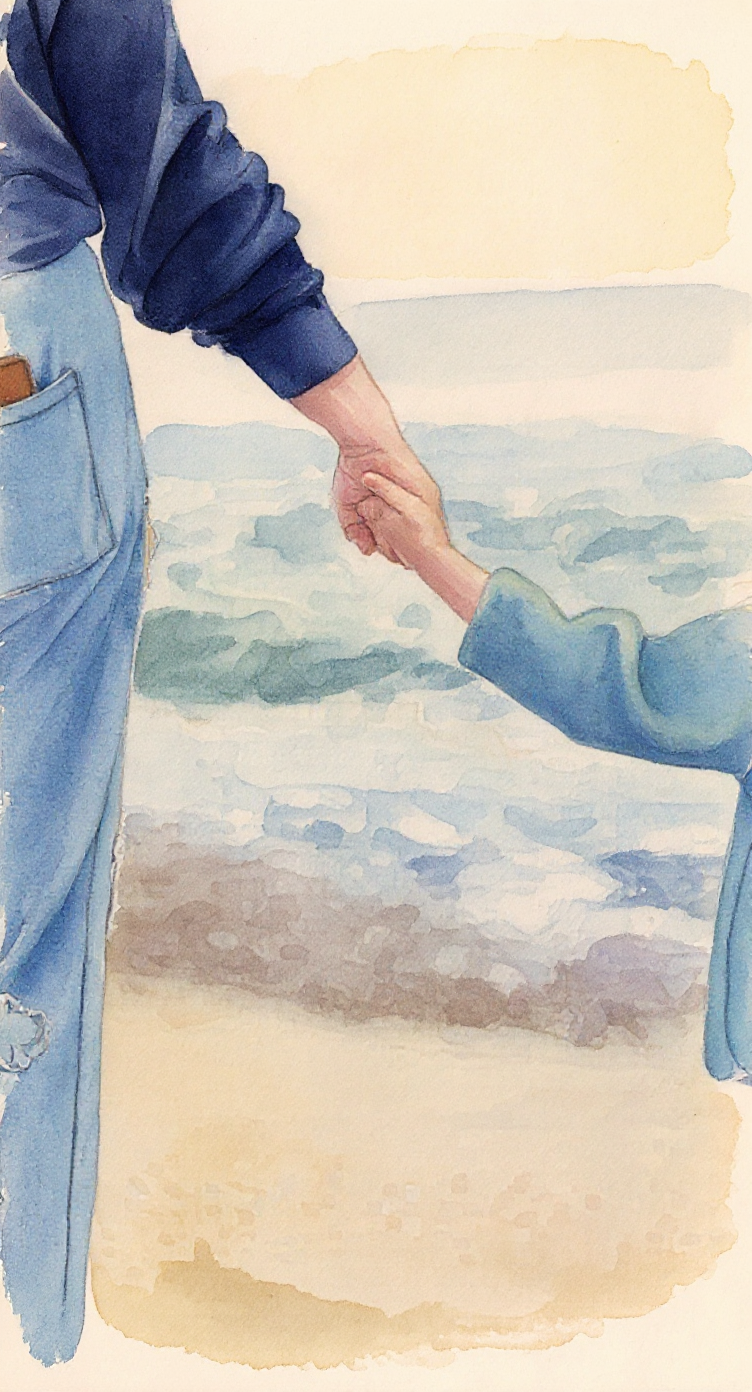
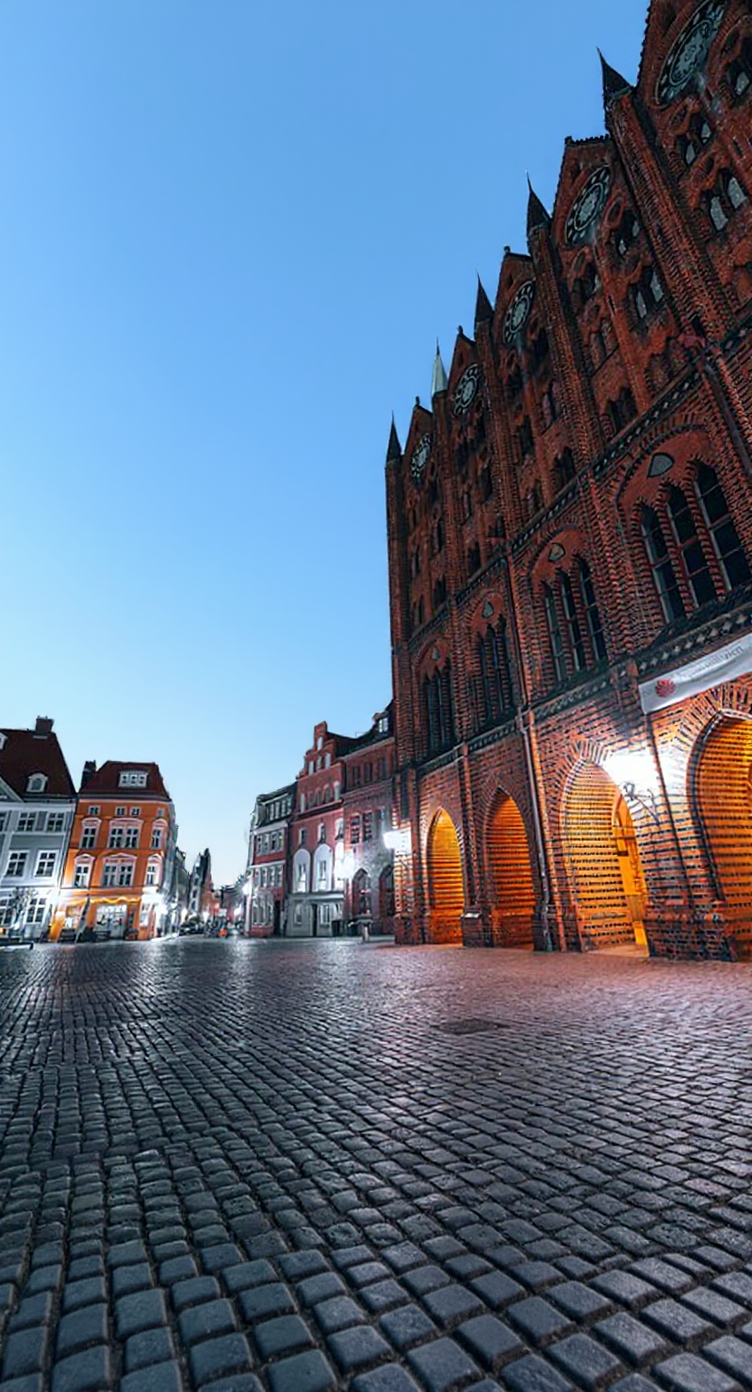
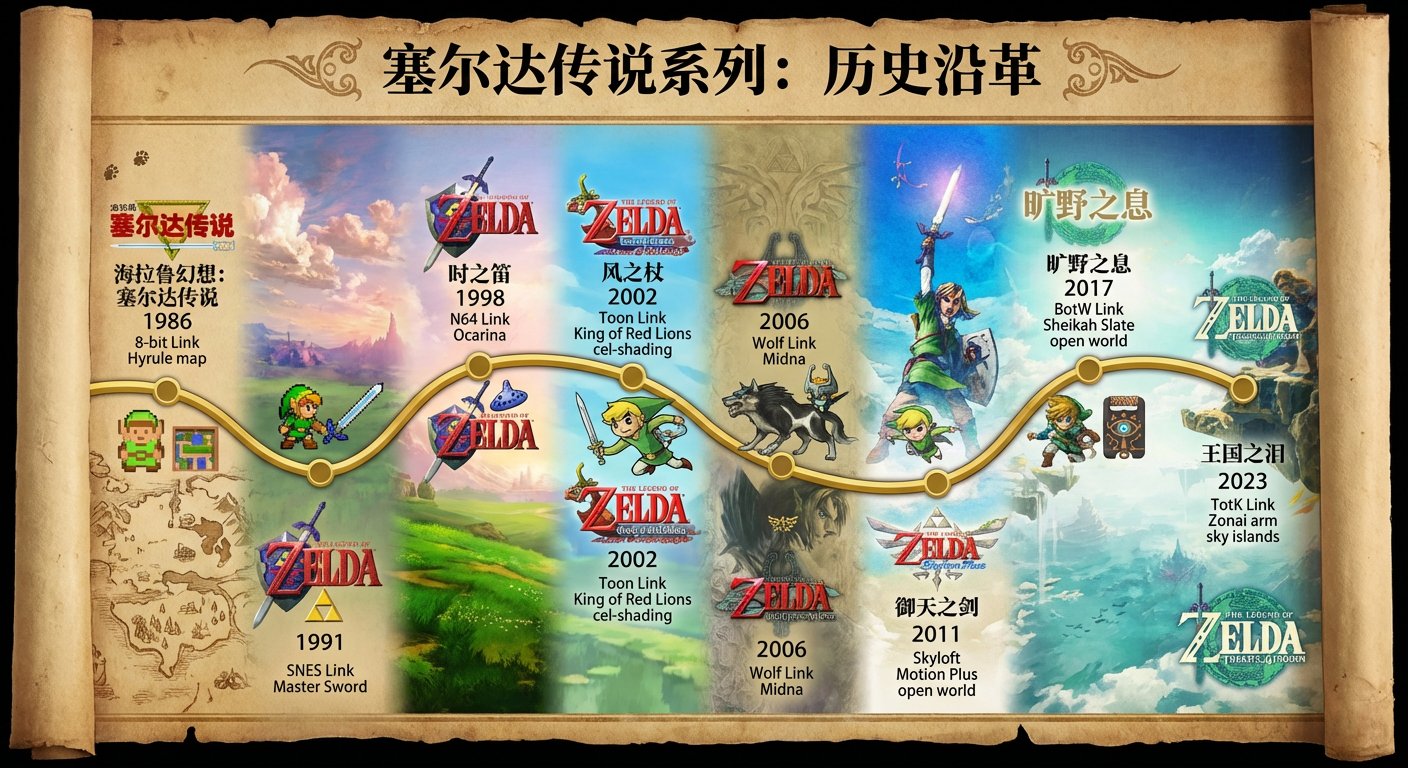
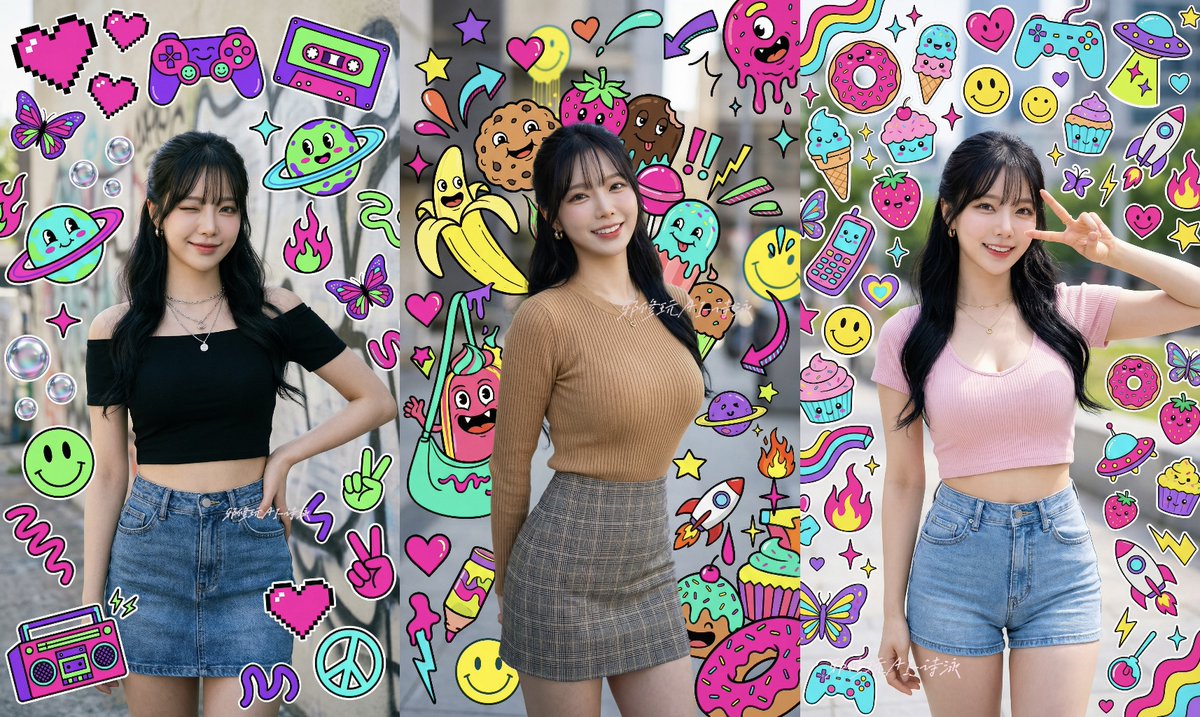
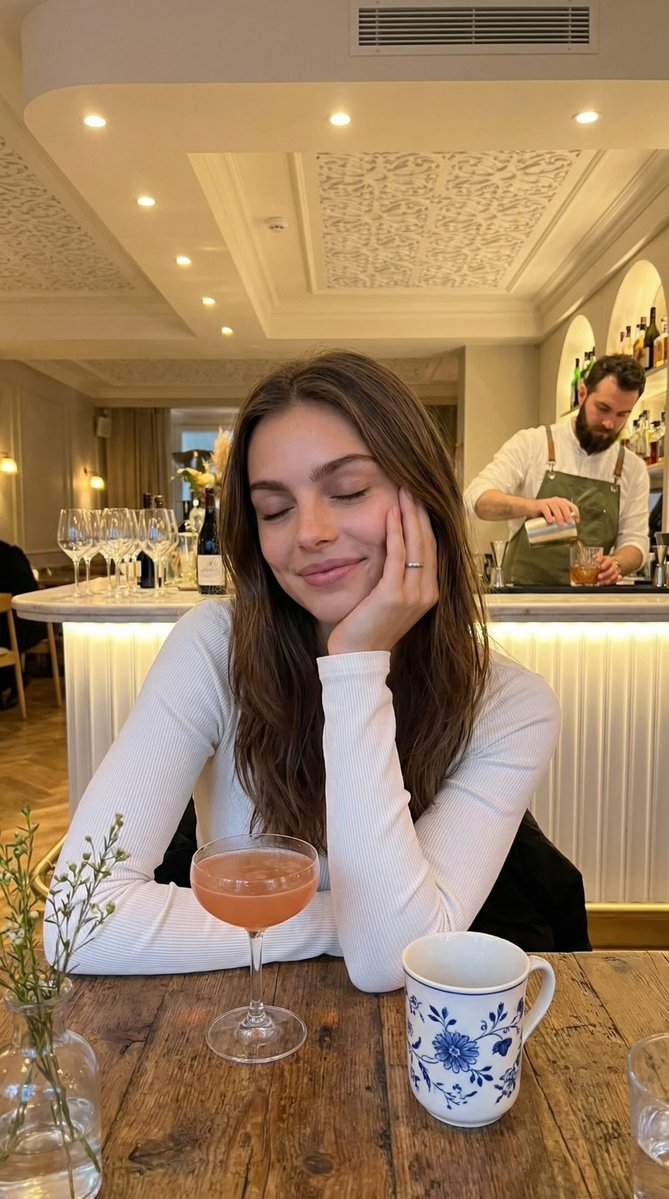
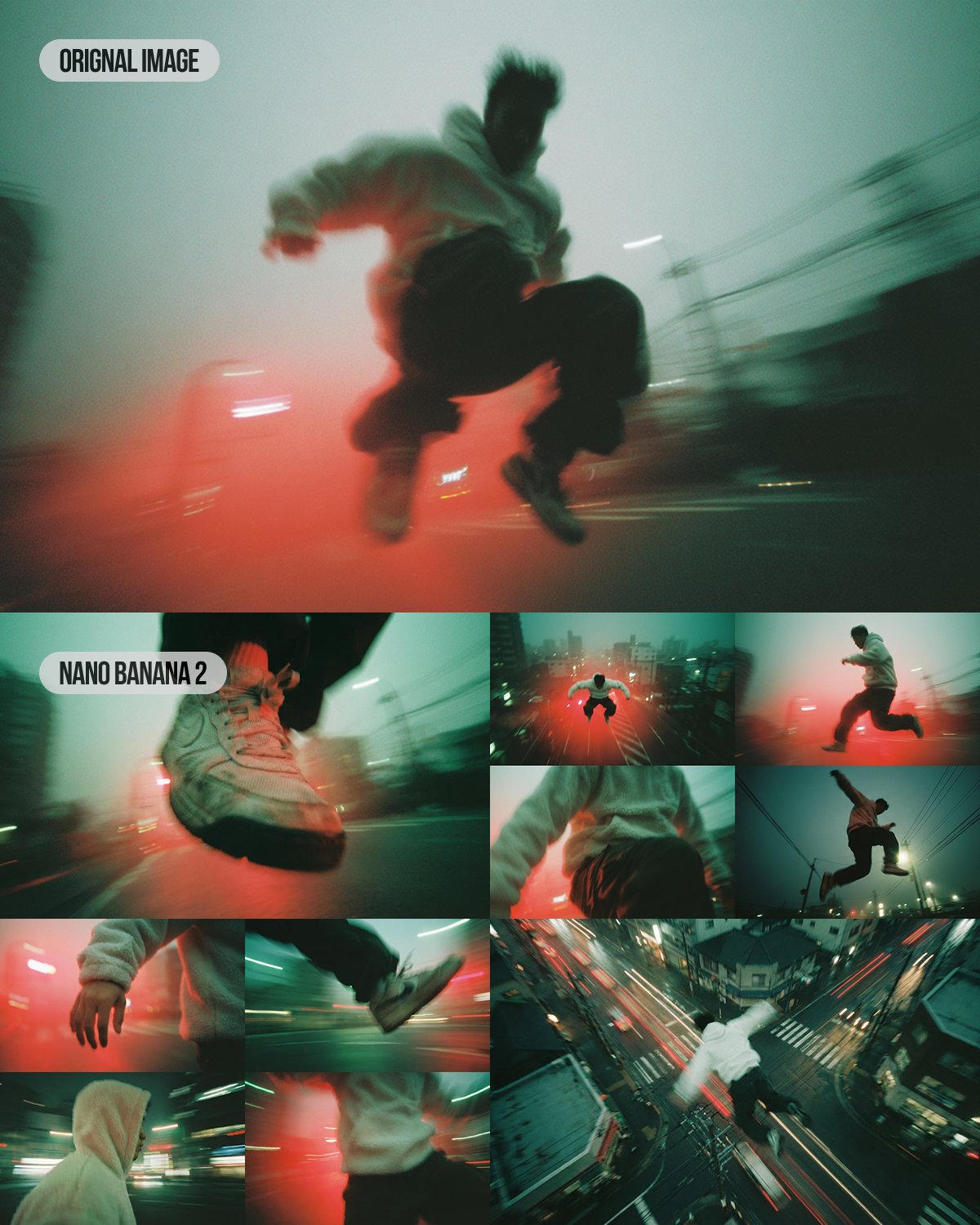
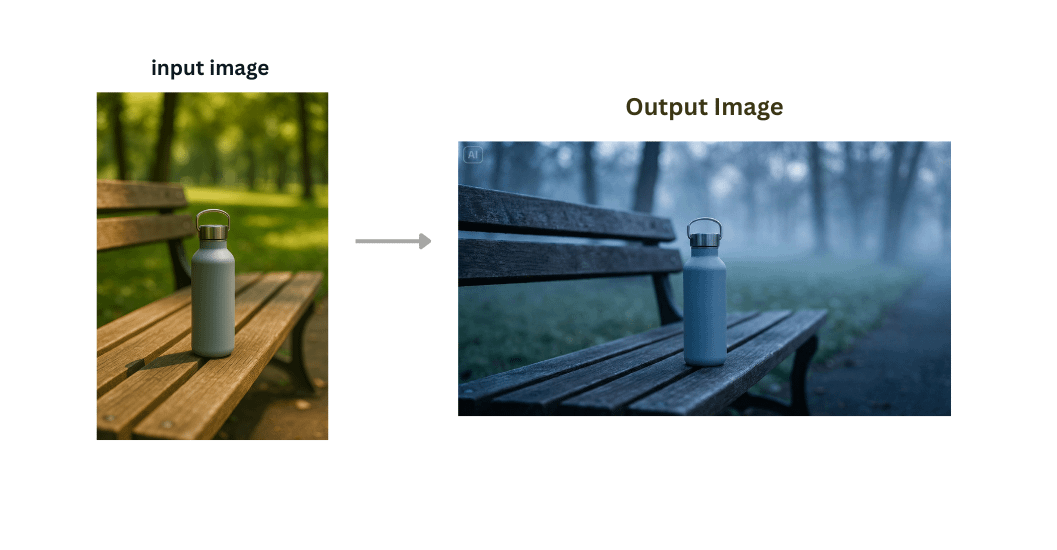
Example outputs
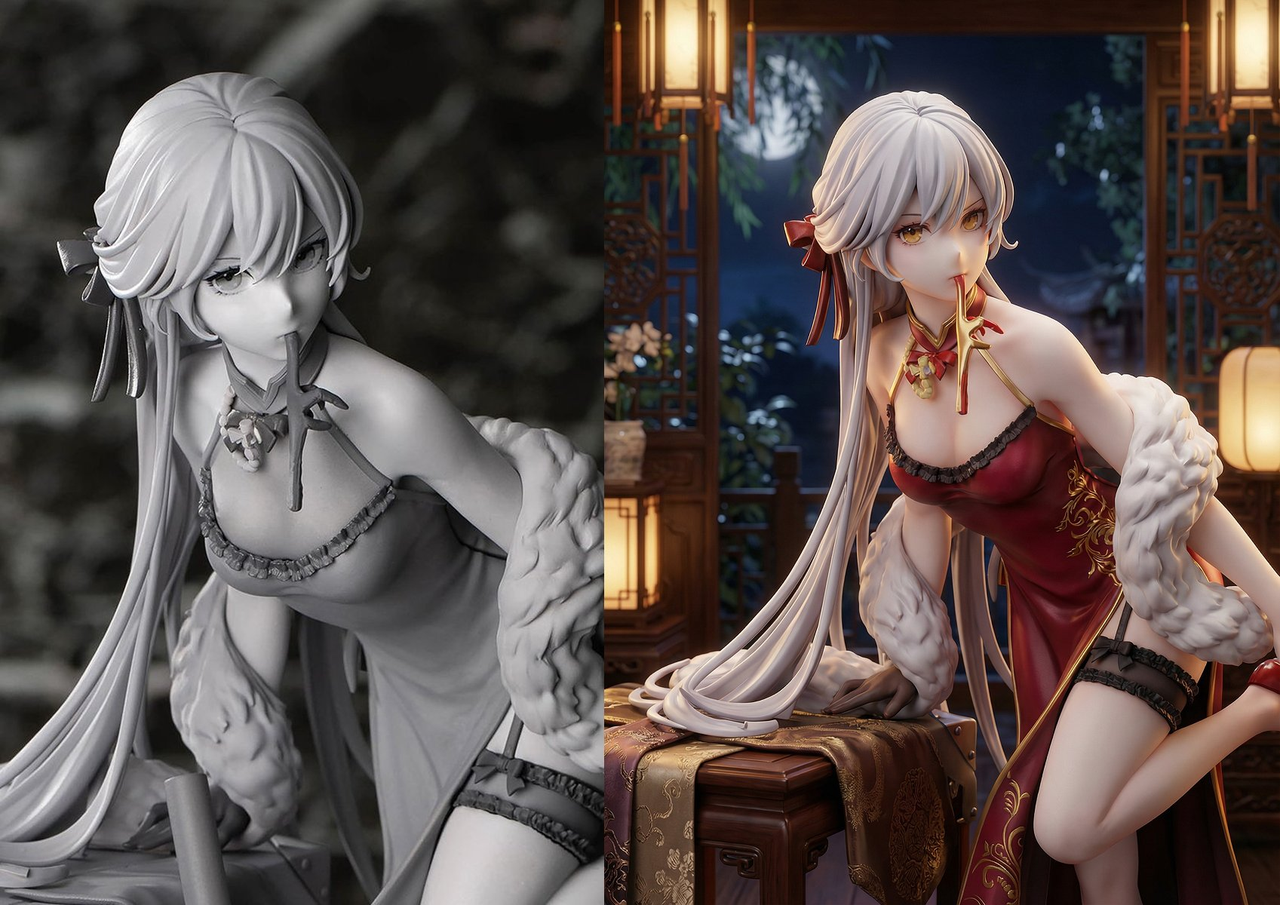
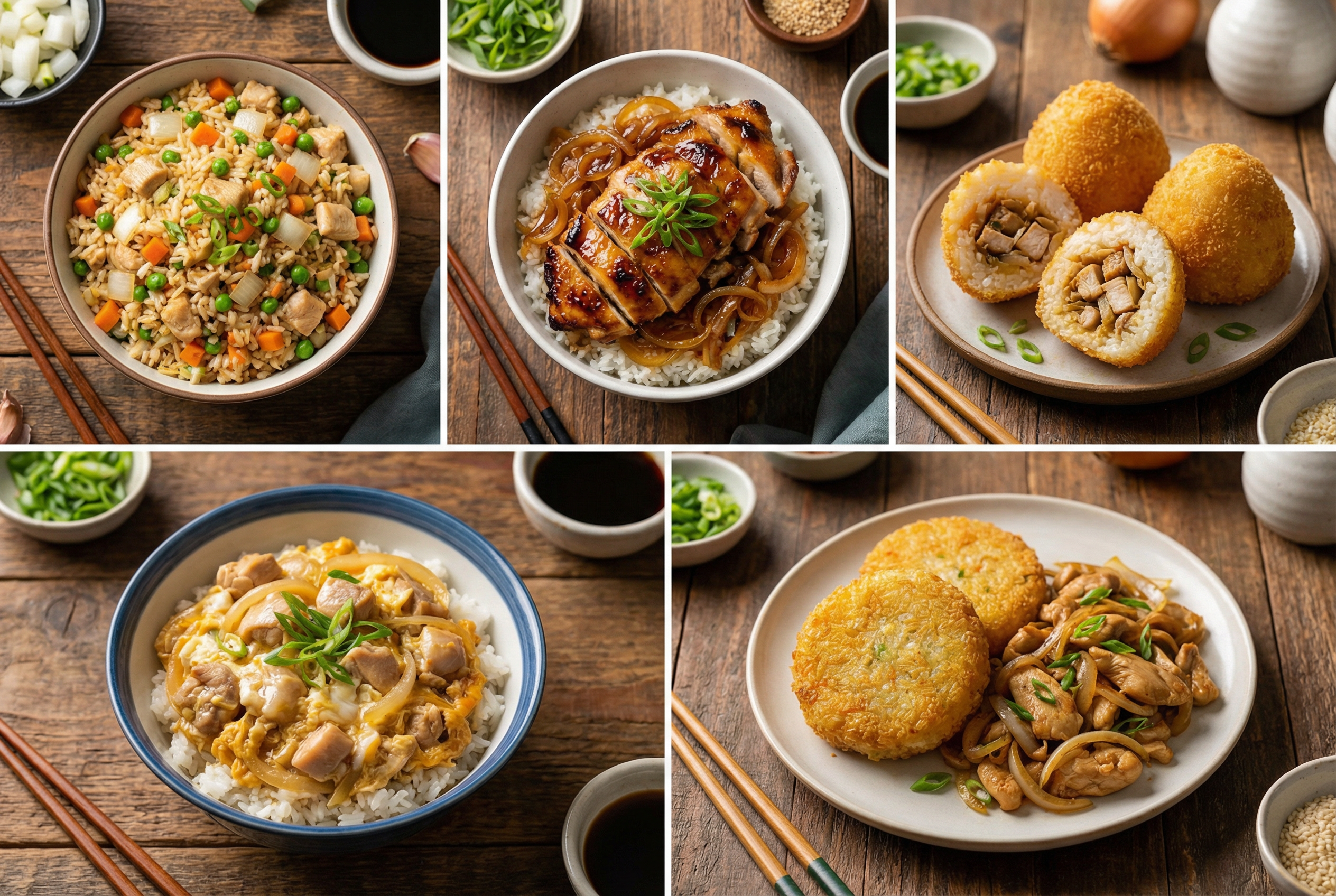
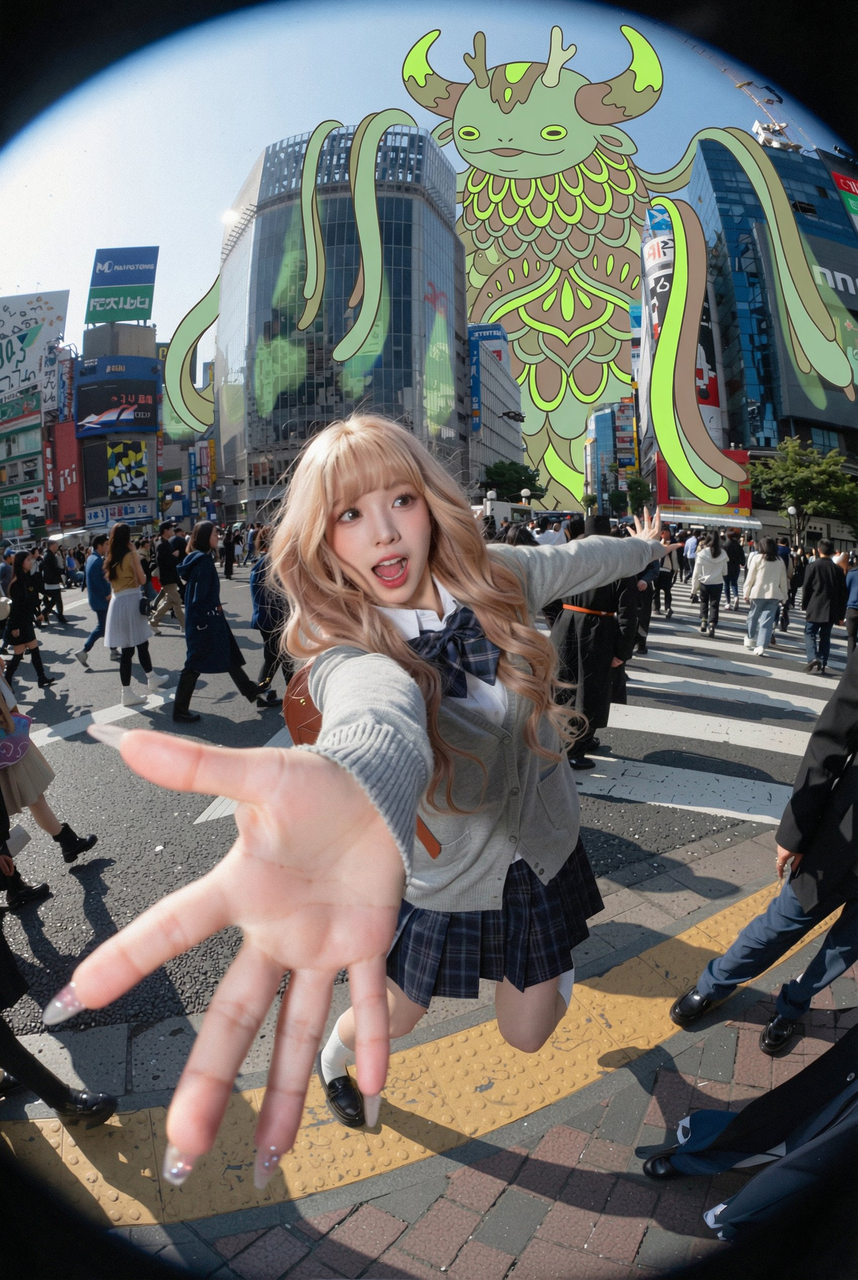
Browse text-to-image examples created with Nano Banana Pro.

Ready to generate images from text?
Pick a template, customize the prompt, and create high-quality visuals in seconds.